
When a topic appears simple on the surface, it often hides the biggest source of confusion. That is exactly what happens with a new manual post. People hear the phrase and assume it refers to something obvious, but in practice it can mean different things depending on the workflow, platform, or business context. For small business owners, freelancers, developers, and productivity-focused users, that ambiguity quickly becomes a problem. If you do not define the process clearly, you waste time, duplicate work, and create avoidable errors.
A well-planned manual post is often the fastest way to publish something with control and precision. It gives you the ability to decide what goes live, when it goes live, and how it appears without relying entirely on automation. That matters when you are handling updates, announcements, content publishing, product entries, or records that require a human eye. A new post created manually is not old-fashioned. In many cases, it is the most reliable option.
What Is a New Manual Post?
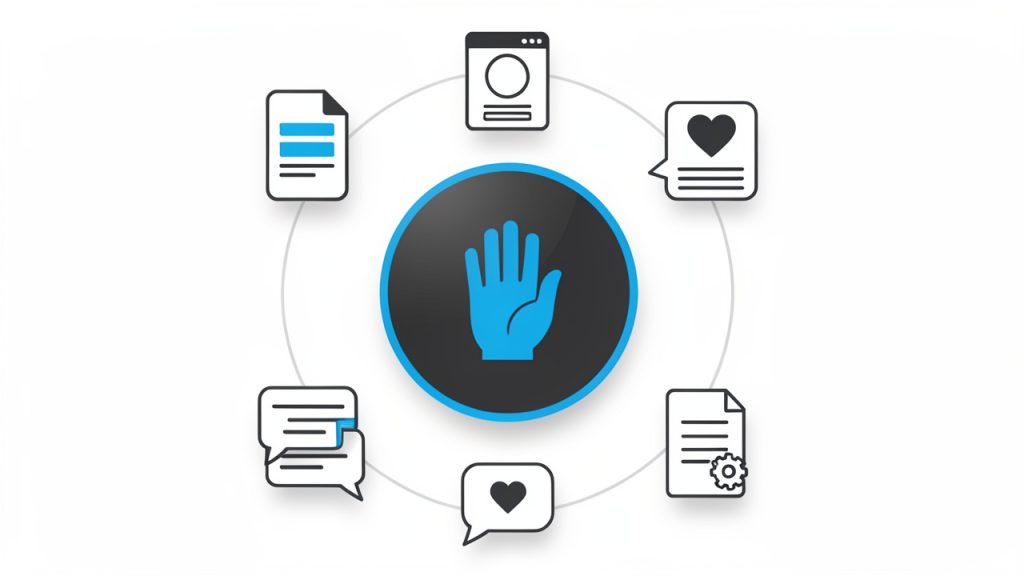
A new manual post is, at its core, a piece of content or an entry created directly by a person rather than being generated automatically by software, synced from another system, or imported in bulk. The exact format may vary. In one environment, it could mean publishing a new blog post by hand. In another, it might refer to creating a product listing, a social update, a forum thread, or an entry inside a content management system without automation.
The key idea is intentional human input. A manual post is built step by step, usually with decisions made in real time about title, structure, formatting, metadata, media, and timing. That level of control is valuable because automated tools are efficient, but they are not always accurate, context-aware, or brand-sensitive.
For a small business, creating a new post manually can be the better choice when the message is nuanced. A product change, policy update, client announcement, or limited-time offer often needs a careful tone. Automation can publish quickly, but speed without judgment is risky. A manual workflow gives you room to review details before anything becomes public.
This also matters for productivity-minded users. Manual posting is not just about typing things in by hand. It is about maintaining quality at the point of publication. If you think of your content system like a storefront, a manual post is the moment someone arranges the display carefully instead of unloading boxes onto the floor and hoping everything looks right.
Key Aspects of a New Manual Post
Control and Accuracy
The biggest strength of a manually created post is control, you decide the wording, the formatting, the category, and the publishing details. That sounds basic, but it is often the difference between polished communication and something that feels rushed or inconsistent.
Accuracy improves because a person is actively checking the content while creating it. When businesses depend too heavily on imports or templates, small mistakes can spread fast. A wrong date, broken link, outdated price, or mismatched headline can damage trust. A manual process gives you a checkpoint before publication.
This is especially useful when the content has legal, financial, operational, or customer-facing importance. In those cases, a new post entered manually works as a quality filter. It may take slightly longer, but it reduces the cost of publishing the wrong thing.
Flexibility Across Platforms
One reason the phrase “new manual post” covers many scenarios is that it applies across many tools. Whether you use a website builder, a content management system, a database-backed dashboard, a marketplace portal, or a scheduling platform, the principle is the same. You are creating a fresh entry directly within the system.
That flexibility makes manual posting relevant even in highly automated environments. Not every update belongs inside a pipeline. Sometimes a one-off item needs special wording, custom tagging, or immediate publication. A manual workflow handles exceptions well because it is designed for human decision-making, not rule-based repetition.
Developers and technical teams also understand this distinction. Even in systems built around APIs and automation, there are moments when a manual entry is the safest and quickest route. For example, testing a new publishing flow, correcting an edge case, or verifying how a content type appears in production often starts with a manually created post.
Quality Over Volume
A manually published post usually favors quality over scale. That is not a limitation. It is a strategic choice. If your goal is to produce hundreds of entries at once, automation will almost always win. But if your goal is to publish something clear, credible, and properly formatted, manual work has real advantages.
This becomes even more important for independent professionals and small teams. They do not always need more content. They need better content. A manually created post gives them the chance to think about audience intent, structure, readability, and action before hitting publish.
In that sense, manual posting supports a more disciplined content process. It encourages review, consistency, and purpose. Instead of asking, “How fast can we push this out?” the better question becomes, “Is this ready to represent the business?”
Human Judgment and Context
Automation works best when the rules are stable. Manual posting works best when context matters. That distinction is worth understanding because many publishing mistakes happen when businesses use the wrong method for the wrong type of content.
A human can notice tone, timing, and nuance in a way software often cannot. For instance, a promotional message may need softer wording during a sensitive news cycle. A product update may require clarification because customers could misinterpret a feature change. A service notice may need urgency without causing alarm. Those are judgment calls.
A manually created post gives you space for that judgment. It turns publishing into an active editorial decision rather than a background process. That alone can improve both brand perception and internal confidence.
How to Get Started With a New Manual Post
Start With Purpose, Not the Form
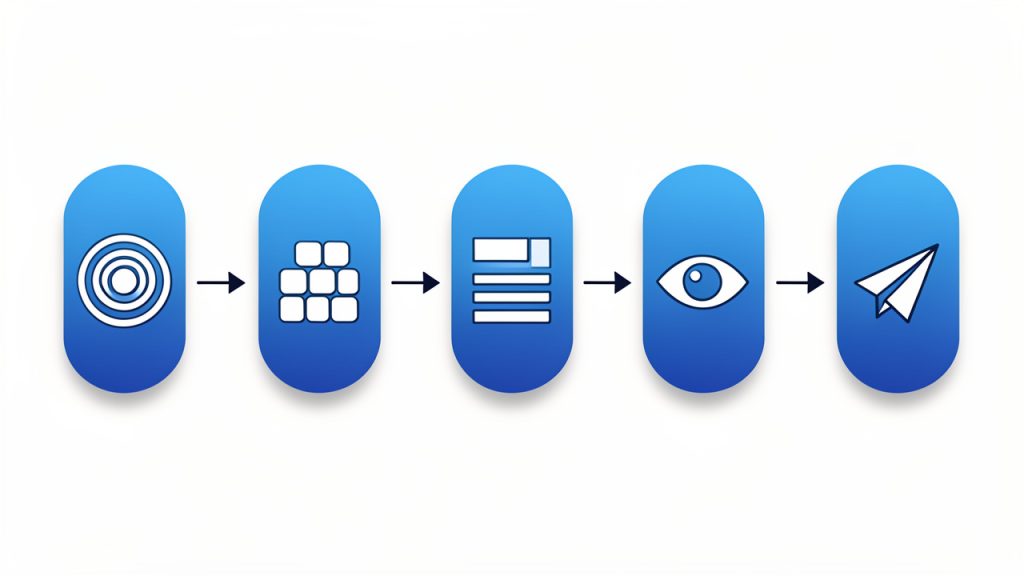
Many people begin by opening the editor and filling in fields. That is understandable, but it leads to weak posts because the structure appears before the message. A better approach is to define the purpose first. Ask what the post needs to achieve. Is it informing, selling, updating, clarifying, documenting, or prompting action?
Once the purpose is clear, the rest of the post becomes easier to shape. The title can be more specific. The body can stay focused. The call to action can match the reader’s next move. Without that clarity, even a manually created post can feel scattered.
This step matters whether you are publishing a blog article, a shop listing, a knowledge base entry, or a platform update. The format may differ, but the principle is constant. A strong post starts with clear intent.
Gather the Right Inputs Before Publishing
Manual posting becomes inefficient when people build the content while searching for missing details. That is why preparation matters. Before creating a new post manually, make sure you have the essential inputs ready.
A short checklist helps:
- Title or working headline: A clear label you can refine.
- Core message or objective: The single idea the post must convey.
- Relevant links, files, or media: Images, downloads, or reference URLs.
- Category, tags, or placement: Where the post belongs in your system.
- Review notes or approval status: Any quick confirmations needed before publishing.
This does not need to become a bureaucratic process. The point is to reduce interruptions. When all inputs are prepared, the act of posting becomes smoother and more accurate.
For freelancers and solo operators, this step also protects focus. Constantly switching between tabs, assets, and draft notes is mentally expensive. A prepared manual post can be published in minutes. An unprepared one can consume an hour.
Build the Post for Readability
A new post should not just exist. It should be easy to scan, understand, and act on. That means strong headings, concise paragraphs, and logical flow. Readers rarely move through digital content in a perfectly linear way. They scan first, judge relevance second, and commit attention only if the content feels worth their time.
That is why structure matters so much. A manual post gives you the chance to make better editorial choices. You can simplify the headline, tighten the opening, clarify the middle, and make the next step obvious. This is especially useful for businesses that publish information customers actually need, such as pricing updates, service notices, tutorials, FAQs, or announcements.
Good readability is also a productivity gain. When a post is clearer, it generates fewer support questions, fewer misunderstandings, and fewer internal corrections. One carefully built post can save hours of follow-up.
Review Before You Publish
The manual nature of the post is not just about creation. It is also about review. Before publishing, check whether the post is accurate, complete, and aligned with its purpose. Look closely at the title, links, formatting, dates, and any visible calls to action.
A practical way to think about this is to separate writing from checking. First create the content. Then review it as if you were the reader. This small shift changes what you notice. Errors that felt invisible during writing often become obvious during review.
If multiple people are involved, even a lightweight approval process helps. One person can draft, another can confirm details. For small teams, that balance preserves speed without sacrificing quality.
Choose Manual Posting When It Actually Makes Sense
Not every entry should be manual. Some should absolutely be automated, scheduled, or imported. The smart approach is not to treat manual posting as universally better, but as better for specific situations.
Manual posting is best for important updates, one-off content, and quality-sensitive entries where control and context awareness are priorities. Automated posting shines for repetitive tasks, scheduled campaigns, and large-volume publishing where speed and consistency matter. Bulk import works for large catalogs or archives, and template-based posting helps with recurring formats that need small edits.
For small business owners and independent professionals, this often means using a hybrid workflow. Routine items can be templated or automated. High-visibility or sensitive content can be posted manually. That balance keeps operations efficient while protecting quality where it matters most.
Conclusion
A carefully created manual post is more than a simple entry made by hand. It is a deliberate publishing choice that gives you control, accuracy, flexibility, and editorial judgment. In a world full of automation, those strengths still matter, and in many cases, they matter more than ever.
A practical next step is to review your current workflow and identify which kinds of posts truly benefit from human oversight. Then create a simple manual posting process for those cases. When the content is important, visible, or easy to get wrong, a careful manual post is not extra work. It is smart work.
A well-planned manual post is often the fastest way to publish something with control and precision. It gives you the ability to decide what goes live, when it goes live, and how it appears.