A large PDF can slow down work faster than almost anything else. You open a contract, proposal, report, or scanned packet, only to realize you do not need the whole file. You need pages 3 through 7, or perhaps you want to break a 120-page document into smaller sections you can email, upload, or archive more easily. That is where split PDF online free tools become surprisingly valuable.
For small business owners, freelancers, developers, and productivity-focused users, the appeal is obvious. You do not want to install heavy software for a simple one-time task, and you definitely do not want to pay for a full document suite just to separate a few pages. A good free online PDF splitter can save time, reduce friction, and keep your workflow moving, especially when speed matters.
What is Split PDF online free?
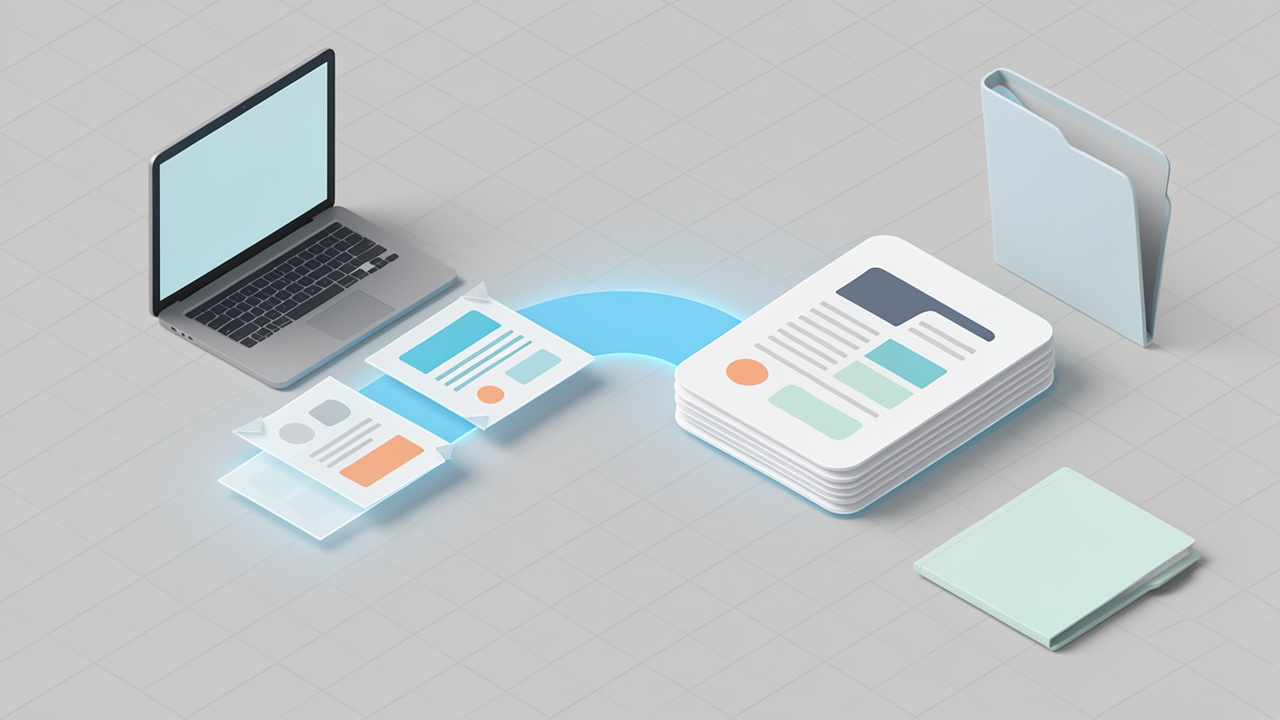
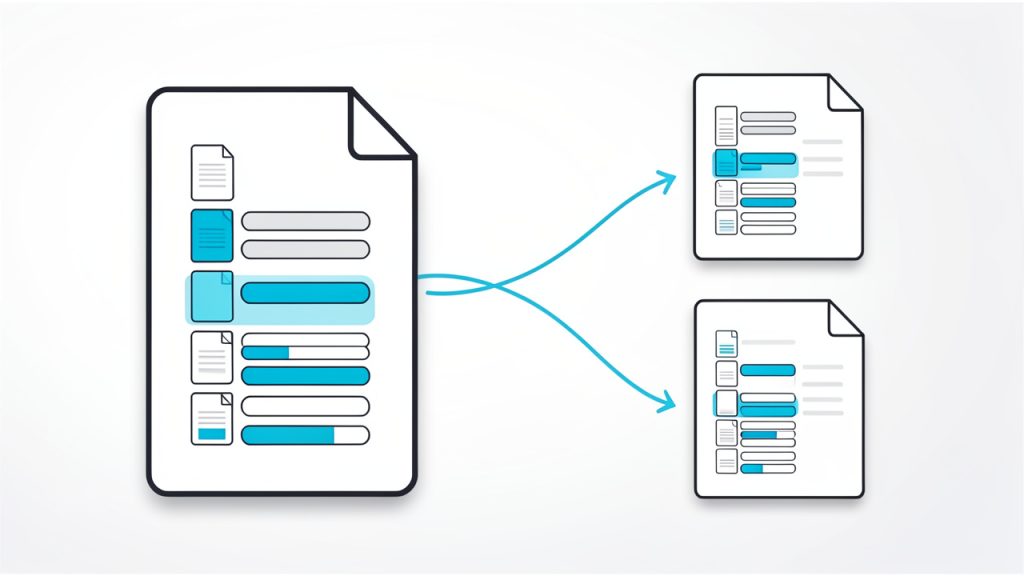
Split PDF online free refers to using a web-based tool to divide a PDF file into smaller PDF documents without paying for premium software. Instead of editing the file on your computer with desktop applications, you upload the PDF to a browser-based service, choose how you want it separated, and download the resulting files.
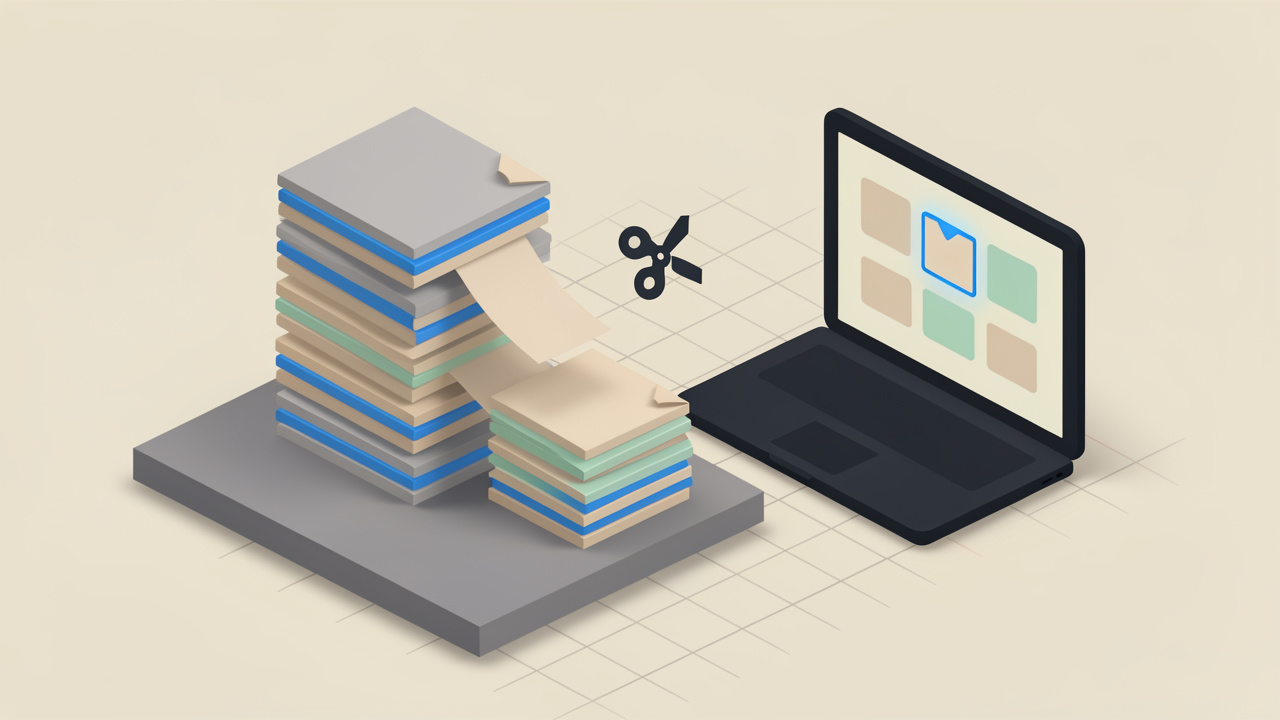
In practice, this can mean a few different things. You might extract a specific page range from a larger file, such as pulling only the invoice pages from a monthly report. You might split every page into separate files, which is useful when you need to review or send pages individually. You might also divide a PDF into equal sections, such as splitting a training manual into chapters.
This is different from simply viewing or compressing a PDF. A PDF splitter changes the structure of the document by creating one or more new files from the original. That makes it especially useful in real-world workflows where file size, page relevance, and sharing constraints matter.
The reason online tools are so popular is simple. They remove setup time. You do not need to learn a complicated interface, update software, or switch devices. If you have a browser and an internet connection, you can usually complete the task in a few minutes (upload the PDF to a browser-based service).
Key Aspects of Split PDF online free
Why people use free online PDF splitters
Most people look for a way to split PDF online free because they want convenience first. If you are sending a proposal to a client, you may only want to share the pricing pages, not the internal notes or appendices. If you are organizing tax records, invoices, legal forms, or design proofs, breaking one large file into smaller parts makes everything easier to sort and retrieve later.
For freelancers, this can be a fast way to package deliverables more professionally. Instead of sending one oversized file packed with drafts, notes, and extras, you can send exactly the pages a client needs. That feels cleaner and more intentional.
For small teams and solo operators, it also reduces friction in collaboration. A massive PDF often creates tiny but constant delays. It takes longer to upload, is harder to email, and requires more effort for recipients to navigate. Splitting it into focused documents can improve communication instantly.
Common ways PDFs are split
Not all PDF splitting tasks are the same. Some tools let you extract a custom page range, such as pages 10 to 15. Others let you split after every page, after every few pages, or at manually selected breakpoints.
If you need to isolate one contract section from a legal packet, page-range extraction works well. If you are digitizing paper documents and each page belongs to a separate record, splitting each page into its own file makes more sense. If you are preparing a presentation or training material, dividing the document into sections may be the most practical approach.
A useful way to think about it is like cutting a loaf of bread. Sometimes you need one slice. Sometimes you need half the loaf. Sometimes every slice needs to be packaged separately. The file is the same, but the outcome changes based on how you plan to use it.
What makes a good free online tool
A strong free online PDF splitter should do more than just split files. It should be easy to understand, reasonably fast, and reliable with different file sizes. The best tools make the process feel obvious, even for someone who rarely works with PDFs.
Privacy matters too. This is especially important if your files contain client details, financial records, contracts, or internal business information. When choosing a service, look for clear information about how files are processed, how long they are stored, and whether they are deleted automatically after a short period.
Usability is another major factor. Some free tools bury core features behind aggressive upsells or cluttered interfaces. Others are straightforward and let you upload, select pages, and download the result without unnecessary steps. For productivity-minded users, simplicity is not a luxury. It is part of the value.
Benefits and trade-offs of splitting PDFs online
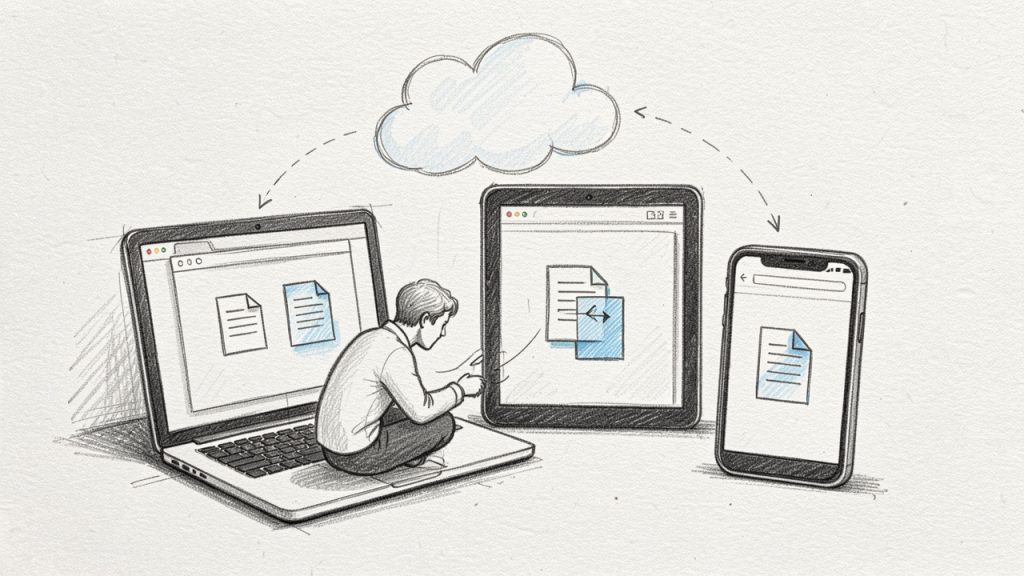
The biggest advantage is speed. You can access the tool instantly, use it from nearly any device, and avoid installing software. This is particularly useful if you work across multiple systems, such as a desktop in the office, a laptop at home, and a phone while traveling.
Another benefit is cost. Free tools are ideal for occasional use or lightweight workflows. If you only split PDFs once in a while, it often makes little sense to pay for a subscription.
There are trade-offs, however. Some free tools limit file size, number of daily tasks, or advanced controls. Others may place watermarks on output files or reserve batch processing for paid plans. Browser-based tools also depend on upload speed, which can become noticeable when working with large scanned PDFs.
Privacy is the biggest trade-off for many users. Uploading documents to an online service always introduces a level of trust. That does not mean online tools are inherently unsafe, but it does mean you should be selective, especially with sensitive business files.
Online vs desktop PDF splitting
Choosing between online and desktop solutions often comes down to frequency, sensitivity, and scale. If you need a quick one-off split for a non-sensitive file, online tools are often the fastest path. If you regularly handle confidential documents, very large files, or repeated batch jobs, desktop software may offer more control.
The difference is similar to using a rideshare app versus owning a delivery van. For occasional transport, the app is efficient and affordable. For constant heavy-duty work, dedicated equipment becomes more practical.
The table below highlights the difference:
| Factor | Free Online PDF Splitter | Desktop PDF Software |
|---|---|---|
| Setup | Instant, no installation | Requires installation |
| Cost | Often free for basic use | Usually paid or limited trial |
| Speed for small tasks | Very fast | Fast after setup |
| Large file handling | May be limited | Usually better |
| Privacy control | Depends on provider | Greater local control |
| Batch processing | Often limited | More robust |
| Device flexibility | Works across devices with browser | Tied to installed system |
File size, page count, and performance
One of the most overlooked aspects of using a free online PDF splitter is performance. A 10-page text PDF and a 200-page scanned image PDF may both be called “PDFs,” but they behave very differently. Scanned files are often much larger because each page is essentially an image. That affects upload time, processing speed, and sometimes whether the tool can handle the file at all.
If your document is huge, splitting it online may still work well, but it depends on both your connection and the service limits. Some tools are excellent for lightweight tasks but become frustrating with archives, manuals, or multi-hundred-page scans.
For business use, this matters because delays add up. A task that should take two minutes can turn into ten if the file is oversized or the tool struggles under load. That is why it helps to know in advance whether your document is text-based, image-heavy, or mixed.
Security and privacy considerations
If you are handling contracts, onboarding documents, legal forms, medical records, or internal reports, privacy should not be treated as an afterthought. When using a tool to split PDF online free, you are usually uploading the file to a remote server where it is processed before being returned to you.
That is not automatically a problem, but it does require judgment. A trustworthy tool should explain whether files are encrypted during transfer, how long they remain on the server, and when they are deleted. If this information is difficult to find, that alone is a signal to be cautious.
For many users, the right approach is simple. Use free online splitters for ordinary, non-sensitive files. For sensitive documents, consider local tools or company-approved solutions. That balance lets you keep the convenience of online services without exposing information unnecessarily.
Ease of use matters more than feature overload
Many PDF tools advertise a long list of features, but most users need only a few of them. They want to upload a file, select the pages, and get the output quickly. Extra features can be helpful, but they should not get in the way.
A clean interface often produces better results than a feature-packed one. That is especially true when you are in a hurry or working across devices. Mobile browser use, for example, quickly exposes bad design. Tiny buttons, confusing file previews, and unclear page selectors can turn a simple job into a frustrating one.
The best free tools respect your time. They reduce clicks, provide clear page previews, and make the final download obvious. Good design is not cosmetic here. It directly improves productivity.
Output quality and formatting
A good split should preserve the original file’s readability and layout. In most cases, splitting a PDF should not degrade quality, but some tools may recompress files or alter certain properties depending on how they process the document.
This becomes noticeable when the PDF contains forms, embedded fonts, high-resolution visuals, or annotations. If you rely on those elements, test the output before sharing it widely. Open the split files, scroll through them, and check that page order, formatting, and legibility remain intact.
For professionals, this final check is essential. Sending a broken PDF is a small error that can create a poor impression. A 20-second review can prevent that.
How to Get Started with Split PDF online free
A simple workflow that works for most users
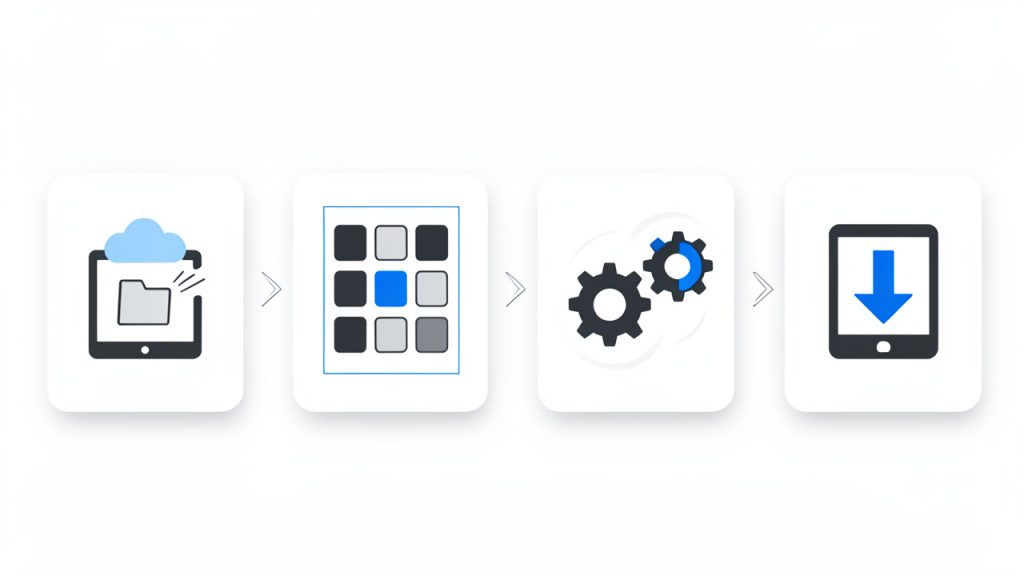
Getting started is usually easy. Even if you have never used an online PDF splitter before, the process is familiar. You upload the file, choose the pages or split method, run the task, and download the results.
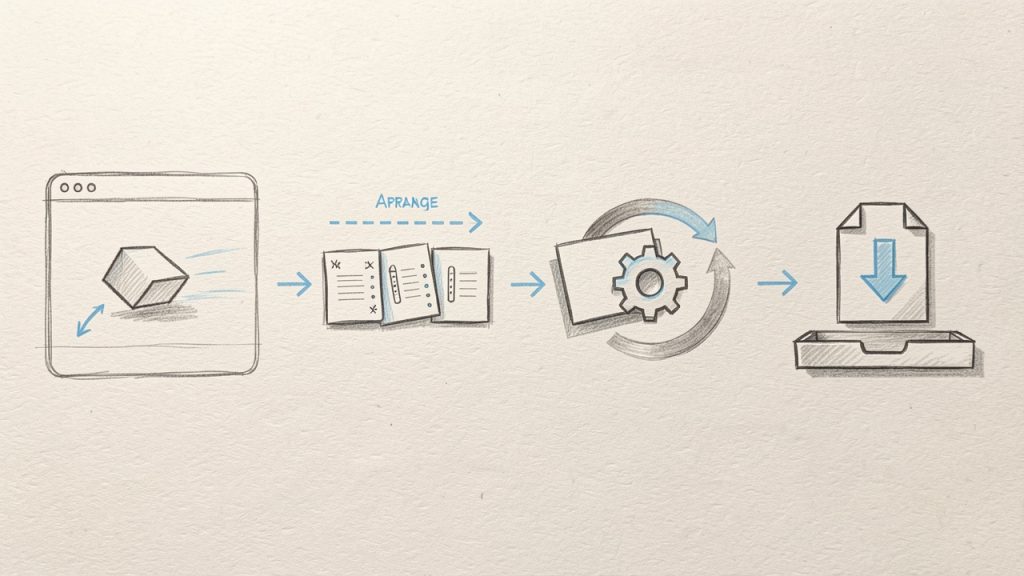
For most users, the basic process looks like this:
- Upload the PDF from your device, cloud storage, or drag-and-drop area.
- Choose the split method, such as page ranges, every page, or selected sections.
- Process the file and wait for the tool to generate new PDFs.
- Download the result and review the output before sharing or storing it.
This workflow is simple, but there is value in being intentional about the split. Before uploading anything, decide exactly what the output should be. Are you extracting only the signature pages? Are you separating monthly statements? Are you creating one file per invoice? Clarity up front prevents having to repeat the task.
How to choose the right split method
The right split method depends on how the document will be used afterward. If your goal is to send a client one section of a report, a custom page range is usually best. If you need to archive scanned records separately, splitting every page can save a lot of manual work. If you are organizing a large guide into modules, dividing it into named sections will feel more structured.
Think beyond the split itself. The real goal is not just creating smaller files. It is creating more useful files. A split is successful when the resulting documents are easier to send, store, read, or process.
That mindset helps you avoid random fragmentation. Breaking a PDF into too many small files can create a different kind of mess. The sweet spot is usually the smallest number of files that still matches the task.
Tips for better results
A few practical habits can make free online PDF splitting much smoother. Rename your output files immediately after downloading them, especially if the tool gives them generic names. That saves time later and prevents confusion when multiple versions are involved.
It also helps to review the original page order before splitting. Long PDFs often include appendices, blank pages, scanned inserts, or rotated pages that you may not notice at first glance. A quick scan of thumbnails can prevent extracting the wrong section.
If the file is sensitive, think carefully before uploading. And if the PDF is extremely large, you may want to test the process with a smaller section first. Small adjustments like these make the whole experience more predictable.
What to look for before using any online PDF splitter
Before you trust a service with your file, check a few basics. You do not need a deep technical audit, but you do want signs that the provider has thought through the user experience and security model.
A quick checklist includes:
- Privacy policy: Clear explanation of file handling and deletion.
- File limits: Transparent upload size and usage restrictions.
- Output quality: No unwanted watermarks or formatting issues.
- Ease of use: Clean interface with clear page selection tools.
These points may sound simple, but they separate useful free tools from frustrating ones. If a service is vague about privacy, overloaded with ads, or unclear about limits, it usually shows up later in the process.
Best use cases for small businesses and freelancers
For small business owners, splitting PDFs online free is especially useful in finance, operations, and client communication. You can separate invoices from a monthly accounting export, isolate signed pages from agreements, or break one long onboarding pack into role-specific files.
Freelancers often benefit in client-facing workflows. A designer may separate concept pages from final deliverables. A consultant may pull only the action-plan section from a longer strategy document. A developer may isolate API documentation sections for easier internal sharing.
The power of the tool is not just in what it does technically. It is in how it reduces friction around document handling. That may sound minor, but repeated small efficiencies create a smoother business process over time.
Conclusion
Using a tool to split PDF online free is one of those small digital tasks that can have a big practical payoff. It helps you turn bulky, awkward documents into focused files that are easier to share, archive, review, and manage. For occasional use, online splitters are often the fastest and simplest option available.
The key is choosing the right tool and using it with a bit of intention. Pay attention to privacy, file limits, and output quality. Then match the split method to the job you actually need to complete. If you do that, you will spend less time wrestling with PDFs and more time getting useful work done.
Your next step is simple. Take one oversized PDF you deal with regularly, test a reliable free online splitter, and build a faster document workflow around that use case. Often, one small improvement in file handling unlocks a much cleaner process everywhere else.