

Git branching can either keep a project moving smoothly or turn everyday work into a merge-heavy mess. The difference usually is not Git itself, it is the branching strategy behind it.
If you have ever wondered why one team ships confidently while another gets stuck in release chaos, the answer often comes down to process. A good branching model gives developers room to work independently, helps teams review code cleanly, and reduces the risk of breaking production at the worst possible time.
This guide explains Git branching strategies in plain English. You will learn what a branching strategy is, why it matters, which common models teams use, and how to choose an approach that fits your workflow instead of fighting it.
What Git branching strategies really mean
A Git branching strategy is simply a set of rules for how your team creates, names, uses, and merges branches in a repository. Git makes branching easy from a technical perspective, but it does not tell you when to create a branch, how long it should live, or where it should merge back. That is where strategy comes in.
Think of branches like parallel workspaces. One developer might be fixing a bug, another might be building a new feature, and someone else might be preparing a release. Without a shared system, these streams of work quickly collide. With a clear strategy, each branch has a purpose, and every merge follows a predictable path.
When people search for Git branching strategies explained, they are usually trying to solve a practical problem, not just learn vocabulary. They want fewer conflicts, safer releases, and a workflow that scales from solo projects to busy teams. That is why the best strategy is not always the most complex one, it is the one your team can follow consistently.
Why branching strategy matters more than many teams realize
Version control is not only about storing code history, it is also about coordinating human work. A branching strategy shapes how developers collaborate, how code reviews happen, and how quickly changes move from idea to production.
A poor setup often creates familiar pain points. Long-lived branches drift too far from the main codebase. Merges become stressful. Hotfixes are rushed. Release timing becomes unpredictable. None of this happens because Git is flawed, it happens because the workflow around Git is unclear or too heavy for the team.
A strong strategy creates clarity and safety. Developers know where to branch from, what to merge into, and when to delete old branches. Reviewers know what kind of change they are looking at. Project leads can see how work is progressing. Releases become easier to track because the branch structure reflects the delivery process.
The core idea behind every branching model
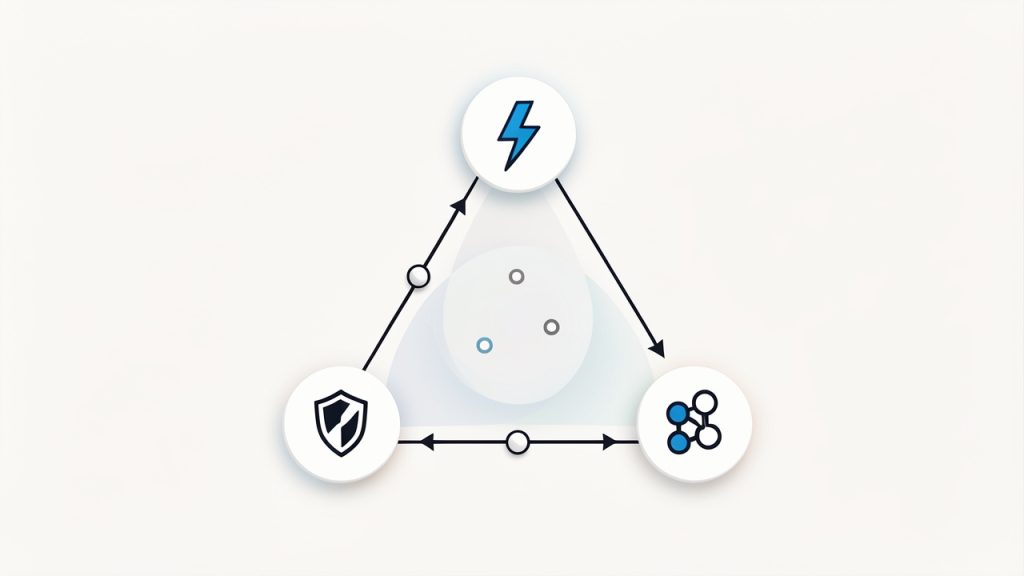
Most branching models try to balance three competing goals. The first is speed, because teams want to ship quickly. The second is stability, because production code must remain reliable. The third is collaboration, because multiple people need to work at the same time without stepping on each other.
Different strategies prioritize those goals differently. Some favor strict control and formal release branches, others favor continuous integration and very short-lived branches. Neither approach is universally right. The right choice depends on team size, release frequency, testing maturity, and how risky changes tend to be.
Key aspects of Git branching strategies
To understand Git branching strategies properly, it helps to look at the most common models teams use in real projects. Each one solves a slightly different problem.
Feature branching
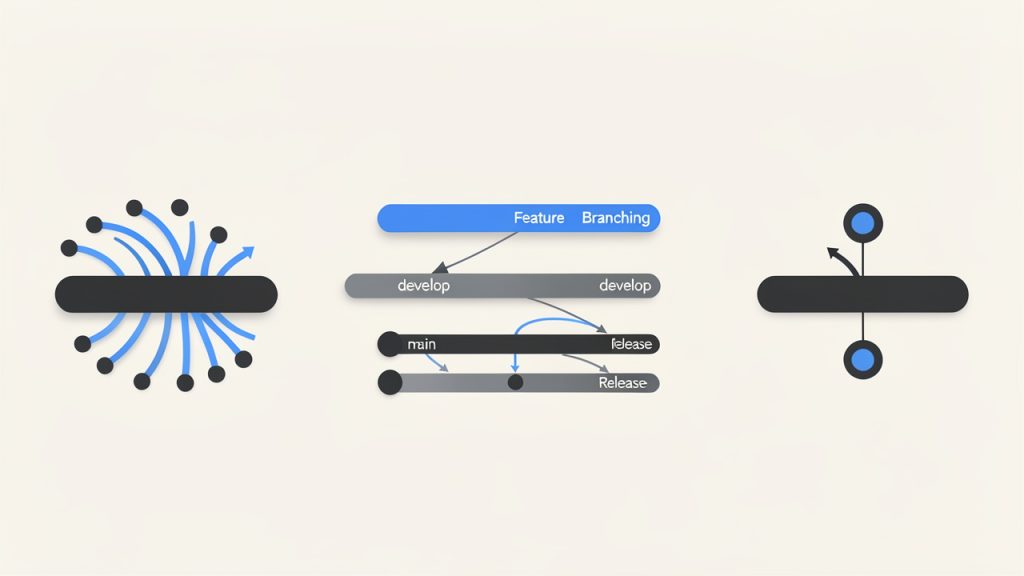
Feature branching is one of the most widely used approaches. In this model, each new piece of work happens on its own branch, often created from the main development branch. A developer works in isolation, pushes commits to that branch, and opens a pull request when the work is ready.
This approach works well because it keeps unfinished work away from stable code. It also makes code review easier. Instead of reviewing a mixed set of unrelated changes, teammates can look at one focused branch with a clear purpose.
Feature branching is especially useful for small teams, freelancers working with clients, and growing product teams. It provides structure without too much overhead. The main risk appears when feature branches live too long. If a branch stays open for weeks, merging it back can become difficult because the main codebase has moved on.
Git Flow
Git Flow is a more structured branching model. It typically uses a long-lived main branch for production, a develop branch for ongoing integration, plus supporting branches for features, releases, and hotfixes.
This model became popular because it provides clear separation between active development and production-ready code. Release branches allow teams to stabilize a version before launch, while hotfix branches let them patch production issues without disrupting ongoing work.
The trade-off is complexity. Git Flow can be powerful for projects with scheduled releases, multiple environments, or strict quality processes. But for fast-moving web apps or startups deploying several times a day, it can feel heavy. Too many branch types can slow decision-making and create unnecessary ceremony.
Trunk-based development
Trunk-based development centers on one main branch, often called main or trunk, where developers integrate changes frequently. Branches, if used at all, are short-lived. The goal is to avoid long-running divergence and keep everyone close to the current state of the codebase.
This strategy supports continuous integration very well. Because changes are merged quickly, conflicts tend to be smaller and easier to resolve. Teams that deploy often, rely on strong automated testing, and use feature flags usually benefit from this model.
The challenge is discipline. Trunk-based development works best when developers commit small, incremental changes and the team has confidence in its test pipeline. Without those safeguards, a shared main branch can become fragile.
Release branching
Some teams create release branches when they are preparing a version for staging, QA, or production. This is common when software has formal release cycles or when one version needs stabilization while new work continues elsewhere.
A release branch acts like a snapshot of what is planned for a specific launch. Bug fixes for that release go into the branch, while ongoing features continue on separate branches or in a development branch. This prevents unfinished work from delaying the release.
The benefit is control. The downside is overhead. Every additional branch that lives for a while must eventually be maintained and merged. If teams create release branches too often without discipline, they can end up managing branch logistics instead of shipping software.
Hotfix branching
A hotfix branch is used when something urgent breaks in production and needs an immediate correction. Instead of waiting for the normal development flow, the team branches from the production branch, applies the fix, tests it, and merges it back into production and any active development branches.
This approach is valuable because it isolates emergency changes. It also keeps the team from mixing a critical production fix with unrelated in-progress work.
The key here is follow-through. A hotfix that gets merged into production but not back into development creates future confusion. Good branching strategy is not just about making branches, it is about closing the loop cleanly.
Comparing common Git branching models
The best way to evaluate a branching strategy is to compare how each model behaves in real team conditions.
| Strategy | Best For | Strengths | Trade-offs |
|---|---|---|---|
| Feature Branching | Small to mid-sized teams, freelance work, standard product development | Simple, review-friendly, isolates work well | Long-lived branches can create merge conflicts |
| Git Flow | Teams with scheduled releases and formal QA stages | Strong release structure, clear branch roles | More complex, slower for frequent deployments |
| Trunk-Based Development | High-velocity teams with strong CI/CD | Fast integration, fewer large merges, supports continuous delivery | Requires discipline, tests, and small frequent changes |
| Release Branching | Products with versioned releases or support cycles | Good control during stabilization | Adds branch maintenance overhead |
| Hotfix Branching | Any team supporting production systems | Enables urgent production fixes safely | Must be merged back carefully to avoid drift |
The real trade-off, flexibility versus control
Most teams are really deciding how much flexibility they want versus how much control they need. Lightweight approaches like feature branches or trunk-based development reduce process friction. Structured approaches like Git Flow increase predictability for releases, but they ask more from the team in return.
Neither side is inherently better. A solo developer maintaining a client website does not need the same branch structure as an enterprise team shipping regulated software. Problems start when teams adopt a trendy model without considering their actual workflow.
Naming conventions matter more than they seem
Branch naming might sound minor, but it has an outsized effect on clarity. Branches named fix-stuff or new-update are vague and hard to track. Names like feature/user-dashboard, bugfix/login-timeout, or hotfix/payment-error instantly tell the team what a branch is for.
Clear naming improves pull requests, issue tracking, and team communication. It also helps when cleaning up old branches. A good strategy is not only about where code goes, it is also about making work visible and understandable.
How to choose the right strategy for your team
The right branching model depends less on theory and more on the way your team actually works.
Start with release frequency
If you deploy many times a day, trunk-based development or short-lived feature branches are often the best fit. These approaches reduce friction and support rapid integration. If your releases happen on a weekly, monthly, or versioned schedule, a more structured model with release branches may make more sense.
Release timing affects everything. Teams shipping often need simplicity and automation. Teams shipping less often may benefit from extra stabilization steps.
Consider team size and coordination needs
A solo developer or a two-person team can often keep things simple. One main branch plus short-lived feature branches is usually enough. As teams grow, coordination becomes harder, and branch conventions start to matter more.
Larger teams sometimes adopt more structure because they need clear handoffs between development, testing, and release management. Even then, complexity should be earned. If a simple model works, there is no prize for making it more complicated.
Look honestly at your testing and deployment maturity
This is where many branching decisions go wrong. Trunk-based development sounds efficient, but it depends on reliable automated tests, fast feedback, and confidence in the deployment pipeline. If those pieces are weak, merging constantly into main can feel risky.
On the other hand, heavy branching can become a substitute for weak engineering practices. Teams sometimes create more branches because they do not trust their test coverage or release process. That may reduce short-term anxiety, but it rarely solves the underlying problem.
Match strategy to product risk
Not all software carries the same consequences when something goes wrong. An internal tool can tolerate a simpler model and quicker iteration. A payment platform, healthcare application, or client-facing service with strict uptime needs may require stronger release controls.
The point is not to over-engineer. It is to align the workflow with the cost of failure. Branching strategy should reflect business reality, not just developer preference.
How to get started with a practical Git branching workflow
If you are setting up a branching strategy for the first time, resist the urge to design a perfect system. Start with a workflow your team can remember and follow.
For many teams, the most practical beginning looks like this: keep a stable main branch, create short-lived feature branches from it, open pull requests for review, merge frequently, and delete branches when they are done. This creates immediate order without much overhead.
If you later discover a need for release branches or hotfix-specific rules, you can add them. Good workflows evolve. They do not have to appear fully formed on day one.
A simple starting process
- Create a stable main branch and protect it from direct, unreviewed commits.
- Branch for each task using clear names tied to a feature, fix, or issue.
- Merge often so branches do not drift too far from the main codebase.
- Use pull requests for review, discussion, and automated checks.
- Delete merged branches to keep the repository clean.
This process works because it reduces ambiguity. Everyone knows where work starts, how it gets reviewed, and when it is considered complete.
Helpful Git commands for everyday branching
If you are new to Git workflows, a few commands cover most day-to-day branch management:
git checkout -b feature/login-form
git status
git add .
git commit -m "Add login form validation"
git push -u origin feature/login-form
git checkout main
git pull origin main
git branch -d feature/login-form
These commands create a branch, commit work, push it to the remote repository, return to the main branch, update it, and remove the local branch after merging.
The commands themselves are not the strategy. They simply support it. What matters is the rule set around when and why you use them.
Common mistakes to avoid early on
One common mistake is letting branches sit too long before merging. The longer a branch lives, the more likely it is to conflict with new work. Small, frequent merges are usually easier and safer than big, dramatic ones.
Another mistake is treating the main branch casually. If main is supposed to reflect deployable code, protect it. Require reviews if possible. Run tests before merge. The exact rules depend on your team, but the branch should have meaning.
A third mistake is copying a large-company workflow into a small project. What works for a 200-person engineering organization may slow a freelance developer or a small product team to a crawl. Simpler is often better, especially at the start.
Practical examples of when each strategy fits
A freelance developer maintaining several client websites usually benefits from simple feature branching. Each requested change gets its own branch, the work is reviewed or tested, then merged into main. There is little need for heavy release structure unless those sites have strict deployment requirements.
A startup building a SaaS product with frequent releases might do better with trunk-based development plus short-lived branches and feature flags. Speed matters. Keeping changes small and integrating quickly helps the team ship continuously without wrestling with massive merges.
A software company releasing versioned desktop applications every month may prefer Git Flow or a variation with release branches. In that environment, release stabilization, QA windows, and hotfix handling justify the extra branch structure.
These examples show a simple truth. The best branching strategy is contextual. It should support how your team delivers value, not force your team into unnecessary process.
Conclusion
Understanding Git branching strategies is really about understanding collaboration. Branches are technical tools, but the strategy behind them shapes release quality, team speed, and day-to-day developer experience. Feature branching, Git Flow, trunk-based development, release branches, and hotfix branches all have a place when used for the right reasons.
If you are getting started, choose the simplest workflow that protects your main branch and keeps work easy to review. Then refine it based on real friction points, not assumptions. A clear, lightweight branching model used consistently will almost always outperform a complicated one that the team barely follows.
Your next step is straightforward: review how your team currently creates and merges branches, pick one model that matches your release style, and document it clearly. Once everyone follows the same rules, Git becomes far less confusing and much more powerful.