
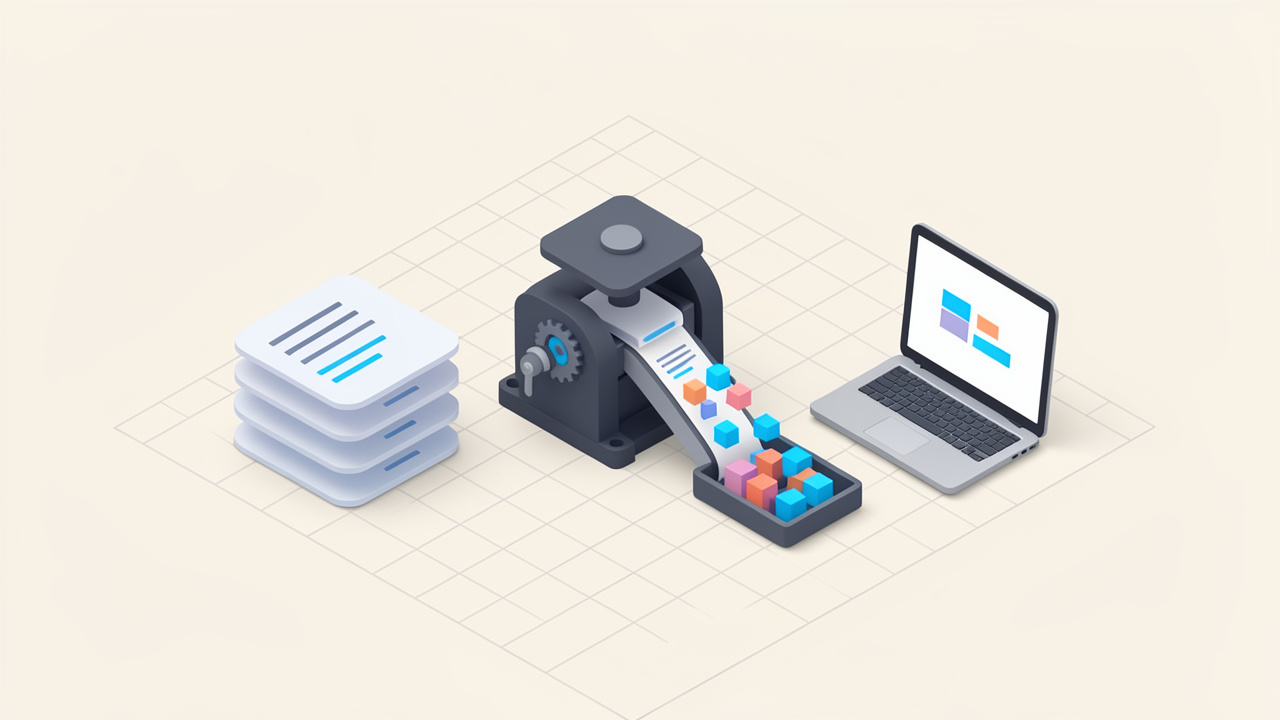
Every extra byte on your website has a cost. It can slow down page loads, hurt user experience, and chip away at search visibility, especially on mobile connections where performance matters most. If your stylesheets are larger than they need to be, using a tool to minify CSS online is one of the quickest wins you can make.
The appeal is obvious. You do not need to install software, configure a build pipeline, or learn a complicated workflow just to shrink a CSS file. For small business owners, freelancers, and developers who want fast results, an online CSS minifier offers a simple way to reduce file size, improve delivery speed, and keep front-end assets lean without much effort.
What is minify CSS online?
To minify CSS online means using a web-based tool to remove unnecessary characters from a CSS file while preserving how it works. This usually includes deleting spaces, line breaks, comments, and other formatting elements that are helpful for humans but irrelevant to browsers. The result is a smaller stylesheet that loads more efficiently.
Think of it like packing a suitcase for a short trip. A neatly folded wardrobe is nice to look at, but if your goal is to travel light, you strip out anything nonessential. CSS minification works the same way. It keeps the styling rules your website needs, while discarding the visual formatting that only helps during editing.

This is different from compression at the server level, although the two can work together. Minification reduces the file’s raw size before delivery. Compression methods like Gzip or Brotli then reduce transfer size even further during transmission. If you care about page performance, both matter.
Why online tools are so popular
Online CSS minifiers are popular because they remove friction. You can paste your stylesheet into a browser window, click a button, and get a compact version back in seconds. For many users, that is enough.
This approach is especially useful when you are working on a quick landing page, updating a client site, troubleshooting front-end code, or cleaning up a small project without setting up a full development environment. It is practical, accessible, and fast.
For non-technical users, the biggest advantage is simplicity. For developers, the advantage is convenience. If you only need a one-off result, using an online CSS minifier can be faster than adjusting a build script or package configuration.
What CSS minification does not do
Minification is valuable, but it is not a magic fix for every performance issue. It will not remove unused CSS unless the tool specifically includes optimization features beyond standard minifying. It also will not fix poorly organized styles, unnecessary selectors, or bloated frameworks that your site does not really need.
That distinction matters. A minified stylesheet is smaller, but not always efficient in a broader sense. If your site includes thousands of lines of unused declarations, minification helps, but cleanup helps more.
Key aspects of minify CSS online
The real value of using an online CSS minifier goes beyond shrinking files. It affects speed, workflow, maintainability, and even how confidently you publish updates.
Faster load times and better user experience
When your CSS file is smaller, the browser can download it faster. Since CSS is render-blocking in many cases, reducing its size can help pages appear sooner. This is particularly important for mobile users, slower networks, and visitors who expect near-instant loading.
For a small business website, this can mean smoother browsing for prospective customers. For freelancers, it can mean delivering leaner, more polished client work. For developers, it can mean shaving off avoidable performance overhead in production.
The improvement may seem modest on a tiny stylesheet, but the effect becomes more meaningful as stylesheets grow. Across multiple assets and many visits, those savings add up.
Cleaner production assets
A development CSS file is often written for readability. It may include comments, indentation, spacing, and line breaks that make editing easier. That is good practice during development.
Production files have a different job. They need to be delivered efficiently. Minifying creates a version optimized for deployment, not for reading. This separation between human-friendly source code and browser-friendly output is a core principle of modern front-end work.
SEO and performance signals
Website speed is not the only factor in search performance, but it is part of the larger user experience picture. Faster sites tend to create better engagement, lower abandonment, and stronger usability signals. Using a tool to minify CSS online supports that effort by reducing unnecessary front-end weight.
Minification alone will not push a site to the top of search results. Still, it contributes to a healthier technical foundation. In competitive spaces, these small technical gains can matter.
Ease of use for non-developers
One reason online minifiers remain relevant is that they serve people who are not working inside advanced toolchains. A solo entrepreneur editing a template, a designer customizing a storefront, or a marketer updating a microsite may only need a quick way to optimize a stylesheet.
In that context, ease of use matters more than automation. A browser-based tool can turn a technical task into something approachable, which is valuable when you are trying to move quickly.
Common features to look for
Not all online CSS minifiers are equal. Some simply remove whitespace. Others validate input, preserve special comments, or offer formatting options for output. If you are comparing tools, differences such as error detection, batch processing, and privacy handling are worth noting.
| Feature | Why It Matters | Best For |
|---|---|---|
| Basic Minification | Removes whitespace, line breaks, and comments | Quick file size reduction |
| Error Detection | Flags invalid CSS before output | Preventing broken styles |
| Code Beautify Option | Lets you reformat compressed CSS back into readable text | Editing and troubleshooting |
| Batch Processing | Handles multiple CSS files at once | Larger projects |
| Direct File Upload | Speeds up workflow beyond copy-paste | Frequent use |
| Privacy Handling | Clarifies whether code is stored or processed temporarily | Sensitive client or proprietary work |
Privacy and security considerations
This issue is often overlooked. When you paste CSS into an online tool, you are submitting code to a third-party service. In many cases that is harmless, especially for public website files. But if your stylesheet contains proprietary patterns, client work not yet launched, or sensitive references, caution is wise.
Before using any online CSS minifier, check whether the service explains how data is handled. Some tools process input temporarily and do not store it. Others are less transparent. If privacy matters, that transparency should influence your choice.
Online minification versus local workflows
Online tools are ideal for quick jobs. Local workflows are better for repeatable production processes. If you regularly deploy websites, manage multiple environments, or collaborate with other developers, automated build tools usually make more sense over time.
That said, online minifiers fill an important gap. They are excellent for fast edits, testing, learning, and one-off optimization tasks. You do not need enterprise infrastructure to benefit from better CSS delivery.
How to get started with minify CSS online
Getting started is straightforward, but doing it well requires a little discipline. The goal is not just to generate a smaller file. It is to make sure your styling remains correct and your workflow stays reliable.
Start with a clean source file
Before you minify anything, make sure your original CSS is organized and working properly. Minification is not the right time to discover syntax errors or half-finished edits. If your source file is broken, the minified version will likely be broken too, only harder to debug.
Keep an uncompressed master copy that you can read and edit comfortably. This is your source of truth. The minified file should be treated as the output version, not the file you actively maintain.
Follow a simple workflow
For most users, the process looks like this:
- Prepare the CSS: Finalize your stylesheet and confirm it works as expected.
- Paste or upload the file: Use a trusted online CSS minifier tool.
- Generate the minified version: Let the tool remove unnecessary formatting.
- Test the result: Load your site and confirm styles display correctly.
- Replace or deploy carefully: Update the production stylesheet without overwriting your editable source file.
This workflow is simple, but it avoids a common mistake. Many users replace their original CSS with the minified version and later regret it when changes are needed.
Check for visual issues after minification
Most of the time, a properly minified CSS file behaves exactly like the original. Still, testing matters. A malformed rule, edge-case syntax issue, or tool-specific parsing quirk can create display problems.
After you minify CSS online, inspect key pages on desktop and mobile. Look at navigation, buttons, forms, layout spacing, and any custom components. If something looks off, go back to the original file and identify the issue there first.
Use minification as part of a broader optimization habit
CSS minification is useful, but it works best when paired with sensible asset management. Review whether your site is loading unused frameworks, duplicate stylesheets, or outdated theme files. In some cases, deleting unnecessary CSS creates more impact than minifying what remains.
Performance is often cumulative. Minified CSS, optimized images, caching, compressed text assets, and lean JavaScript all work together. A fast site is rarely the result of one tactic alone.
When online minifiers make the most sense
Online minifiers are especially practical for quick edits, small projects, client handoffs where you want both readable source and optimized deployment files, and for learning or testing so you can see what minification changes in real time. If your workflow becomes frequent or repetitive, consider moving to automated bundling and build tools.
Avoid these common mistakes
One of the biggest mistakes is editing the minified file directly. It may seem convenient in the moment, but it quickly becomes frustrating. Another is assuming every online tool handles CSS identically. If a stylesheet contains uncommon syntax, always test the output before publishing.
A more subtle mistake is treating minification as the finish line. It is better to see it as one final polish step. Good CSS structure, efficient selectors, and deliberate loading strategy still matter.
Conclusion
Using a tool to minify CSS online is one of the easiest ways to make a website lighter and more efficient. It reduces unnecessary file weight, supports faster load times, and gives both non-technical users and developers a quick path to cleaner production assets.
The smartest next step is simple. Take one stylesheet from your site, minify it with a trusted online tool, and compare the before-and-after file size. Then test the live result. That small action can lead to a faster site, a better user experience, and a more disciplined approach to front-end performance.