
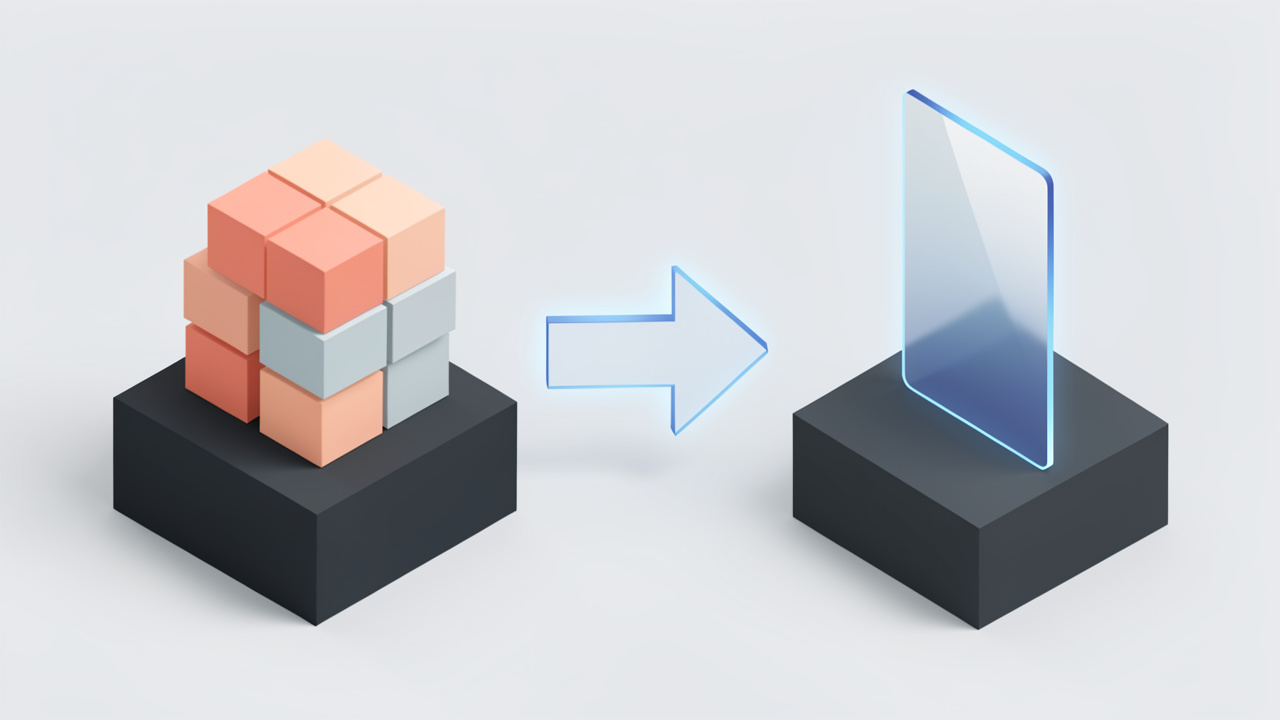
If your website feels slower than it should, your image files are often the first place to look. Large PNG files can quietly drag down page speed, eat bandwidth, and make mobile browsing feel sluggish. Converting PNG images to AVIF is one of the smartest ways to reduce image weight without sacrificing visual quality.
That matters whether you run a small business site, manage an online portfolio, build client landing pages, or simply want cleaner, faster-loading assets. AVIF has become a serious modern image format because it delivers impressive compression, supports transparency, and helps digital experiences feel lighter. If you have been searching for the best way to move from PNG to AVIF, this guide will show you what it means, why it matters, and how to do it well.
What does converting PNG to AVIF mean?
Converting a PNG image to AVIF means taking a file in the older PNG format and re-encoding it into the newer AVIF format. PNG has long been popular for graphics, logos, screenshots, interface elements, and images that need transparent backgrounds. It is reliable and widely supported, but the file sizes can be much larger than necessary for modern web use.
AVIF, short for the AV1 Image File Format, is designed to deliver high image quality at much smaller file sizes. In practical terms, that means you can often keep the same visual appearance while cutting the file weight significantly. For websites, apps, and online stores, that can translate into faster load times and a better user experience.
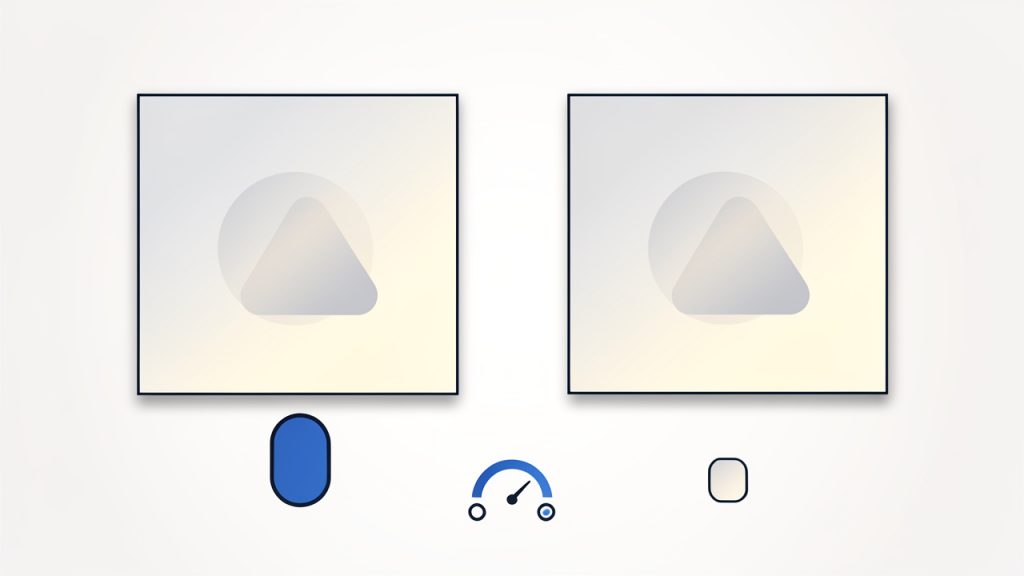
The idea of converting PNG images to AVIF sounds simple, but there is a real strategy behind it. Not every image benefits equally. A product photo, a transparent logo, and a detailed screenshot may all behave differently after conversion. The goal is not just to make files smaller. The goal is to make them smaller without creating visible quality problems.
For many users, the appeal is straightforward. PNG is familiar, but AVIF is more efficient. If you publish visuals online, that efficiency can compound quickly across dozens or hundreds of files.
Key aspects of converting PNG images to AVIF
Why AVIF is gaining attention
The biggest reason people convert PNG files to AVIF is compression. AVIF can often produce dramatically smaller files than PNG while preserving sharp details and transparency. That makes it especially attractive for web performance, where every kilobyte matters.
Smaller images improve more than load speed. They can reduce hosting and CDN costs, improve mobile usability, and support better performance scores in tools that evaluate page experience. For freelancers and agencies, this is also a practical win because image optimization can improve client results without requiring a full site rebuild.
Another reason AVIF stands out is flexibility. It supports both lossy and lossless compression, which gives you room to balance visual quality and file size. That is useful when you need high-fidelity assets for branding, but still want modern optimization.
PNG vs AVIF at a glance
Before converting, it helps to understand where each format fits.
| Format | Best For | Strengths | Limitations |
|---|---|---|---|
| PNG | Logos, screenshots, graphics with transparency | Lossless quality, broad compatibility, easy to edit | Larger file sizes, less efficient for web delivery |
| AVIF | Modern web images, optimized assets, transparent graphics | Excellent compression, transparency support, smaller files | Some older tools and systems may have limited support |
PNG is still useful. It is not obsolete. In many design workflows, PNG remains a dependable source format because it is universally understood and easy to handle. But for final delivery on websites and apps, AVIF is often the more efficient option.
Transparency support matters
One of the main reasons people hesitate to switch from PNG is transparency. PNG has been the default choice for transparent backgrounds for years, especially in logos, icons, and product cutouts. The good news is that AVIF also supports transparency, which makes it a viable replacement in many cases.
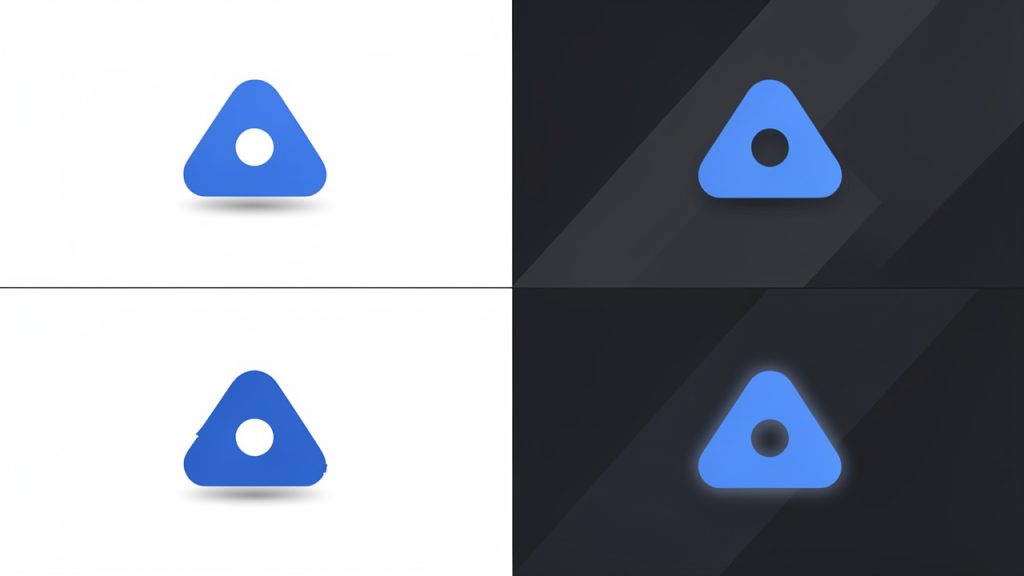
That said, the result depends on how the conversion is handled. A poor converter may introduce artifacts around edges, especially on sharp shapes, text overlays, or images placed on transparent backgrounds. This is why testing matters. A file that looks perfect on a white background may reveal problems when placed over a dark or patterned section.
If transparency is central to your design system, do not assume every tool will produce the same outcome. Previewing the final result is part of the process.
File size savings versus visual quality
The promise of converting PNG images to AVIF is smaller file size, but there is always a trade-off to manage. Some images can be compressed aggressively and still look excellent. Others, especially screenshots with fine text or graphics with hard edges, may show artifacts sooner.
This is where the idea of “good enough” becomes practical. If a user cannot see a meaningful difference, then a lighter file is usually the better choice. But if brand assets begin to look soft, edges become jagged, or text loses crispness, then the compression has gone too far.
The smartest workflow is not to assume one quality setting works for everything. Product imagery, UI graphics, and marketing banners often need slightly different handling. Treat image optimization like tailoring, not like a one-size-fits-all shortcut.
Browser support and compatibility
AVIF support is now strong across most modern browsers, which is one reason adoption has accelerated. For many websites, it is already a realistic format for production use. Still, compatibility planning matters if your audience includes older browsers, legacy systems, or platforms with outdated image handling.
This does not mean you should avoid AVIF. It means you should think about delivery. In some cases, keeping the original PNG as a fallback is the safest move. For critical assets, especially on business websites, compatibility should be tested rather than assumed.
For solo creators and small teams, this is often simpler than it sounds. The main question is whether your publishing platform, website builder, CMS, or image toolchain supports AVIF cleanly. If it does, the upgrade is usually straightforward.
How to get started converting PNG images to AVIF
Start with the right images
Not every PNG should be converted first. Begin with the files that are costing you the most in terms of performance. Large website graphics, homepage visuals, transparent product images, and repeated design assets are usually the best candidates.
Small icons may not deliver dramatic savings, and some design files are better kept in their original format for editing. Think in terms of delivery assets versus working assets. Your source design files can remain untouched while your published versions become AVIF.
This mindset helps avoid confusion. You are not replacing your whole creative workflow. You are optimizing the final files users actually download.
Choose a reliable converter
If you are using an online tool to convert PNG files to AVIF, reliability matters as much as convenience. A good converter should preserve transparency, allow quality control, and export files quickly without unnecessary friction.
Look for a tool or workflow that gives you confidence in the result. The essentials are simple:
- Upload the PNG file.
- Adjust quality or compression settings if available.
- Preview the output and check edges, text, and transparency.
- Download the AVIF file and test it in its real destination.
For developers and more technical users, build tools and image processing pipelines can automate this step. For business owners and freelancers, an easy browser-based converter is often enough. The best option is the one you will actually use consistently.
Test before replacing everything
A common mistake is bulk conversion without review. It saves time upfront, but it can create subtle visual issues that are only noticed later on live pages. That is risky for e-commerce stores, client sites, and branded content.
Instead, create a small test batch. Convert a few representative images and compare them side by side. Check whether shadows still look clean, whether transparent edges are intact, and whether text or interface elements remain sharp. Then review the file sizes and loading performance.
This kind of testing does not need to be complicated. It is simply quality control. A few extra minutes here can prevent hours of cleanup later.
Think beyond the conversion itself
Moving from PNG to AVIF is only part of image optimization. The real payoff comes when it is paired with smart sizing, responsive delivery, and thoughtful asset management. A giant image converted to AVIF can still be too large if it is displayed much smaller on the page.
Make sure your exported image dimensions match their actual use. A 3000-pixel-wide banner does not belong in a small content block. Likewise, a transparent product image should be cropped tightly so users are not downloading empty space.
The broader principle is simple. Format matters, but workflow matters more. AVIF gives you efficiency, but careful preparation turns that efficiency into measurable results.
Know when PNG should stay PNG
There are situations where keeping a PNG makes sense. Some editing pipelines, software tools, or client handoff processes still rely on PNG because it is universally supported and easy to inspect. In those cases, AVIF may be ideal for web delivery, while PNG remains the internal working format.
There are also cases where conversion does not produce a meaningful improvement. If a file is already small, rarely used, or visually sensitive in a way that makes compression risky, changing formats may not be worth the extra complexity.
That is the practical view experts tend to take. Use AVIF where it creates value. Keep PNG where it remains the better fit. Optimization works best when it is selective, not obsessive.
Conclusion
Converting PNG images to AVIF is one of the most practical ways to modernize your image workflow. You get the chance to reduce file sizes, preserve transparency, and improve loading performance without redesigning your entire site or content process.
The next step is simple. Pick a few high-impact PNG files, convert them to AVIF, and compare the results in real use. If the quality holds and the files get lighter, you have found an easy upgrade that can benefit your website, your users, and your day-to-day workflow.