这很重要,因为许多数字工作流程最初是围绕文本而非任意二进制数据设计的。如果你需要在 HTML 中嵌入图像、在 JSON 中包含数据、通过电子邮件传输内容,或处理 API 负载,Base64 常常是其中的桥梁。若你需要在 HTML 中嵌入图像、在 JSON 中包含数据、通过电子邮件传输内容,或处理 API 负载,Base64 常常充当桥梁。它不是一种加密形式,这一点很重要。Base64 是编码,而不是安全性。它使数据传输可移植,而非受保护。
Base64 is a way to represent binary data, such as an image, using plain text characters. Computers store images as raw bytes, but many systems are designed to safely move text. Base64 acts like a translator, converting binary content into a text-friendly form made from letters, numbers, +, /, and sometimes = for padding.
That text is not an image by itself. It is an encoded version of the image data. To turn Base64 to image, you decode the string back into the original bytes and then save or display those bytes as a PNG, JPEG, GIF, WebP, or another image format.
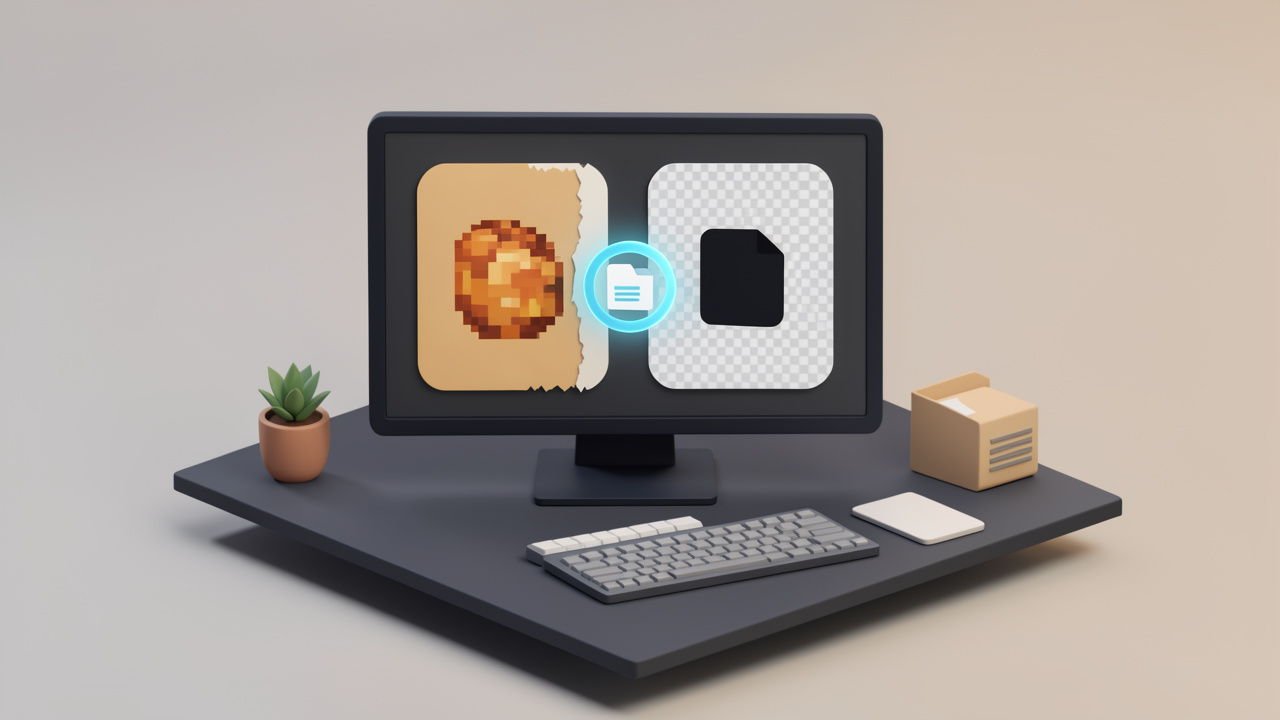
A useful mental model is this: Base64 is like packing a product into a shipping box that fits the transport system better. The box adds bulk, but it helps the item travel through channels that prefer text.
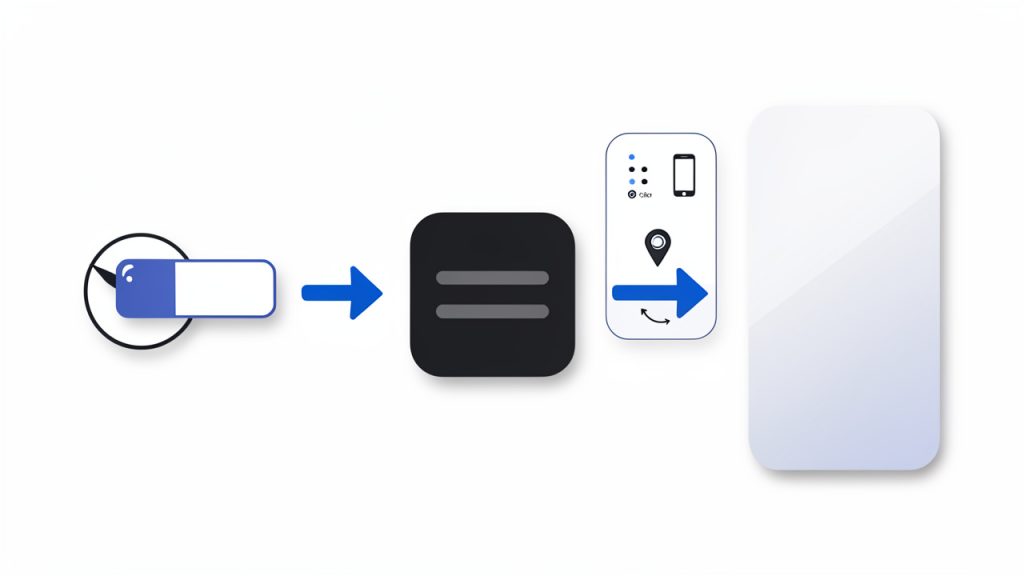
Base64 characters (A–Z, a–z, 0–9, +, /, =) boxed for transport -> decoded bytes (image file).”>
Why images are embedded as Base64
Images are often embedded as Base64 because it makes transfer and embedding easier in certain contexts. One of the most common examples is a data URI, which looks like data:image/png;base64,.... This lets a browser render an image directly from a string, without requesting a separate file URL.
That is useful for inline images in HTML or CSS, especially for very small assets like icons, placeholders, or tiny logos. Email templates also use embedded images in some cases, because external image loading may be blocked or delayed by the email client. Some APIs return Base64 image data because it can be bundled into a JSON response without needing separate file storage or signed URLs.
There is convenience here, but it comes with tradeoffs. Base64 makes it easy to move image data around, but it is not always the most efficient format for storage or delivery.
Pros and cons of using Base64 for images
The biggest downside is size. Base64 adds roughly 33% overhead compared with the original binary file. A 300 KB image can become around 400 KB or more once encoded. That affects bandwidth, API payload size, page weight, and memory use.
Caching is another important factor. If an image is embedded directly into HTML or CSS as a data URI, the browser cannot cache it separately from that file. If the page changes, the image may be downloaded again as part of the document. By contrast, an external image file can be cached independently and reused across multiple pages.
The upside is fewer HTTP requests for tiny assets, simpler packaging in APIs, and easier portability in systems that only handle text. For small icons or one-off embedded images, Base64 can be practical. For large photos, product galleries, or repeated assets, external files are usually better.
How to convert Base64 string to an image, quick examples
Online converters and when to use them
If you just need a quick result and you are not handling sensitive data, an online Base64 to image converter is the fastest option. You paste the string, the tool decodes it, and you preview or download the image.
This works well for debugging API responses, checking if a string is valid, or converting a one-time asset. It is less suitable for private customer files, internal documents, or anything security-sensitive. In those cases, local conversion is safer.
A reliable tool should let you preview the decoded image, identify the file type, and alert you if the Base64 is malformed.
Convert Base64 to image using JavaScript in the browser
In the browser, the easiest case is when you already have a full data URI. You can assign it directly to an image element.
If you want to turn a raw Base64 string into a downloadable file, first strip any prefix, decode it, and build a Blob.
const input = "data:image/png;base64,iVBORw0KGgoAAAANSUhEUgAA...";
const match = input.match(/^data:(image\/[a-zA-Z0-9.+-]+);base64,(.+)$/);
const mimeType = match ? match[1] : "image/png";
const base64Data = match ? match[2] : input;
const byteCharacters = atob(base64Data);
const byteNumbers = new Array(byteCharacters.length);
for (let i = 0; i < byteCharacters.length; i++) {
  byteNumbers[i] = byteCharacters.charCodeAt(i);
}
const byteArray = new Uint8Array(byteNumbers);
const blob = new Blob([byteArray], { type: mimeType });
const url = URL.createObjectURL(blob);
const a = document.createElement("a");
a.href = url;
a.download = "image.png";
a.click();
URL.revokeObjectURL(url);
This approach is useful for frontend tools and browser-based image previews. For very large payloads, though, it can use a lot of memory because the whole string is decoded in one go.
Convert Base64 to image using Node.js
Node.js makes this straightforward with Buffer. If the string includes a data URI prefix, remove it first.





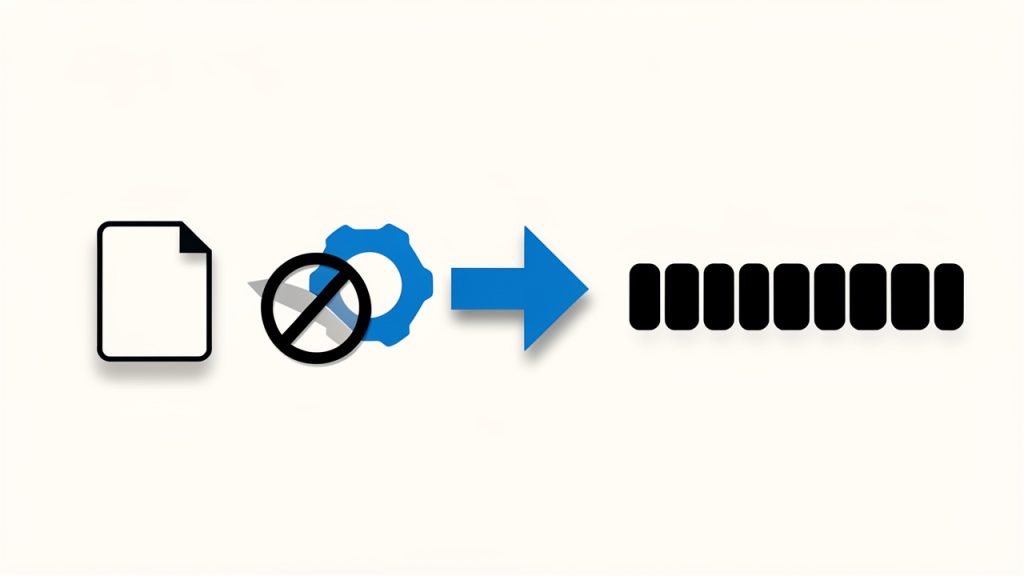





 Base64 characters (A–Z, a–z, 0–9, +, /, =) boxed for transport -> decoded bytes (image file).”>