

Need a quick way to verify a file, fingerprint a password string, or compare two pieces of text without installing anything? An online hash generator MD5 SHA256 tool solves exactly that problem. It gives you a fast, browser-based way to turn input data into a fixed-length hash, which is useful for integrity checks, testing, development workflows, and everyday troubleshooting.
For small business owners, freelancers, and developers, the appeal is simple. You paste text or upload a file, choose an algorithm like MD5 or SHA-256, and get an output in seconds. No setup. No command line required. But while the tool is easy to use, the concepts behind it matter, especially if you want to choose the right hash type and use it safely.
What is Hash generator md5 sha256 online?
A hash generator MD5 SHA256 online is a web-based utility that converts text, files, or other data into a fixed string of characters called a hash value or digest. This output acts like a digital fingerprint. Even a tiny change in the original input produces a very different result, which makes hashing useful for detecting changes and confirming data consistency.
The key idea is that hashing is a one-way process. You can generate a hash from the input, but you generally cannot reverse the hash to recover the original content. That is what makes hashing different from encryption. Encryption is designed to be reversible with the right key. Hashing is designed to create a consistent, non-reversible signature.
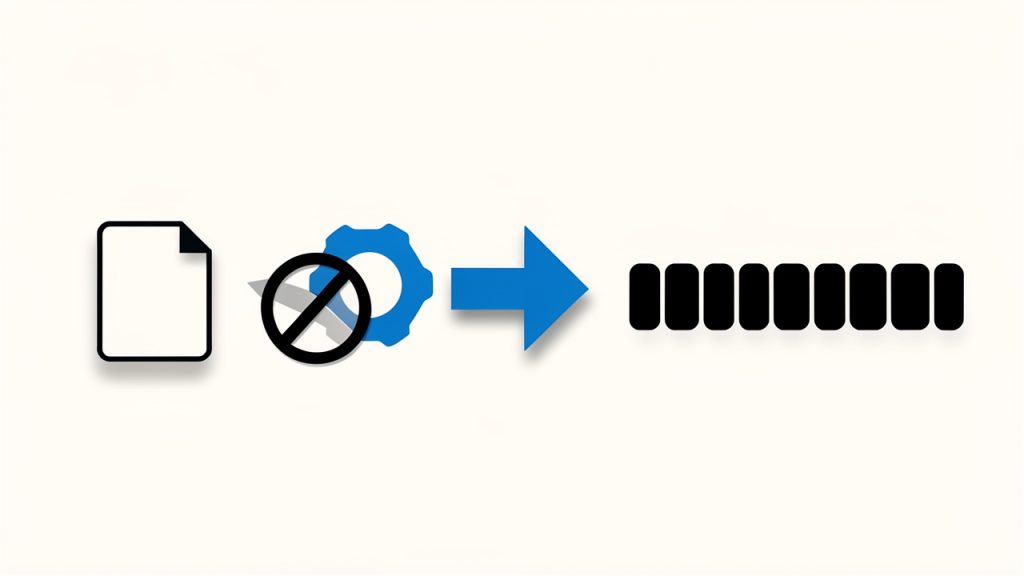
When people search for an online hash generator, they usually want one of two common algorithms: MD5 and SHA-256. MD5 is older and faster, and it still appears in many legacy systems, file verification pages, and technical documentation. SHA-256 is newer, stronger, and widely preferred when security matters.
Why people use online hash generators
In practice, these tools serve a surprisingly wide audience. A freelancer may use one to verify that a downloaded client file matches the original checksum. A developer may use one to test API signatures, compare outputs, or confirm that input formatting stays consistent. A business owner may simply want to validate downloaded software against a published checksum before installing it.
There is also a productivity angle. An online tool removes friction. If your goal is to generate a hash quickly, especially for occasional use, opening a browser is often more convenient than running local utilities. That ease of access is the main reason the phrase hash generator md5 sha256 online gets so much search interest.
MD5 vs SHA-256 at a glance
Although both algorithms generate a unique-looking digest, they are not equal in security or modern suitability. MD5 is considered cryptographically broken for security-sensitive use cases because collisions can be engineered. SHA-256 remains far more secure and is part of the SHA-2 family widely used across modern systems.

| Algorithm | Output Length | Speed | Security Level | Best Use Today |
|---|---|---|---|---|
| MD5 | 128-bit | Very fast | Weak for security | Legacy checks, non-sensitive integrity comparisons |
| SHA-256 | 256-bit | Fast | Strong | File verification, modern apps, security-conscious workflows |
That comparison matters because many users assume all hashes are interchangeable. They are not. If you only need a quick checksum for an old process that explicitly requires MD5, it may still be acceptable. If you are dealing with passwords, signatures, or anything security-related, SHA-256 is the stronger baseline, though password handling usually requires dedicated password hashing methods beyond plain SHA-256.
Key Aspects of Hash generator md5 sha256 online
The biggest strength of an online hash generator is convenience, but convenience should not hide the underlying trade-offs. To use these tools well, it helps to understand what makes them useful, where they fit, and where caution is necessary.
Deterministic output and consistency
A good hash function is deterministic, which means the same input always produces the same output. If you hash the phrase “invoice-2026” today and again next week, the result will be identical as long as the input is exactly the same. That consistency is what makes hashes so useful for comparison.
At the same time, a tiny difference changes everything. An extra space, a line break, or a capital letter will generate a completely different digest. This often surprises first-time users. If two hashes do not match, it does not always mean the file is corrupted. It may simply mean the input formatting was altered in a subtle way.
File integrity and download verification
One of the most practical uses for a hash generator MD5 SHA256 online is checking file integrity. Many software vendors publish checksums next to their download links. After downloading the file, you generate its hash and compare it to the published value. If they match, you gain confidence that the file was not changed during transfer.
This is especially useful for installers, backups, exported data, and client deliverables. It is not a guarantee of trust by itself, because you still need to trust the source that published the checksum. But it is an important layer of verification and a common best practice.
Security limitations users should understand
Hashing often gets discussed alongside passwords and cybersecurity, which can create confusion. A basic online hash generator is useful for testing and understanding hashes, but it is not automatically the right tool for secure password storage. Modern password protection relies on specialized algorithms such as bcrypt, scrypt, or Argon2, which are designed to resist brute-force attacks.
Similarly, MD5 should not be used for security-critical applications. It still appears in tutorials and legacy systems because it is widely supported and easy to compute. But if the goal involves security rather than convenience, MD5 is usually the wrong choice today.
Privacy matters with browser-based tools
An online tool is convenient because it runs in the browser, but users should still think carefully about what they submit. If you paste confidential text, customer data, internal documents, or sensitive credentials into a third-party website, you are placing trust in that service.
Some online hash generators process data entirely in the browser, which reduces risk because the content is not sent to a server. Others may upload data for processing. If privacy matters, look for clear statements about local processing, HTTPS, and data retention. Better yet, avoid entering sensitive material into public web tools unless you fully understand how the site works.
Practical use cases beyond security
Hash generators are not only for security professionals. They also support routine operational tasks. A content creator can verify that archived assets remain unchanged over time. A web developer can compare generated values while debugging form handling or API requests. A consultant sharing deliverables with clients can provide a checksum to confirm file authenticity after transfer.
That broad utility is why online hash tools remain relevant. They sit at the intersection of security, quality control, and productivity. Even if you are not technical, the ability to confirm whether two pieces of data are identical can save time and avoid costly mistakes.
How to Get Started with Hash generator md5 sha256 online
Using an online hash generator is usually straightforward, but a few small choices make a big difference. The right algorithm, the right input method, and the right expectations all help you get reliable results without confusion.
Choose the right algorithm for the job
The first decision is whether you need MD5 or SHA-256. If a software provider publishes a SHA-256 checksum, use SHA-256. If an older system, plugin, or workflow explicitly asks for MD5, then use MD5 for compatibility. In most modern contexts, SHA-256 is the safer default.
This choice is less about personal preference and more about matching your purpose. If you are verifying a legacy asset against a published MD5 value, using SHA-256 instead will not help because the outputs are different by design. A hash comparison only works when both sides use the same algorithm.
Enter text or upload a file carefully
Most tools support either direct text input or file upload. For text, precision matters. A copied sentence with an extra trailing space will generate a different hash than the same sentence without it. If you are testing exact output, pay attention to whitespace, line endings, and encoding quirks.
For files, make sure you upload the final version you want to verify. If a file is renamed, the hash does not change, because hashing evaluates the content, not the filename. But if the file is edited, compressed differently, or exported again, the hash likely will change.
A simple workflow anyone can follow
- Select the algorithm that matches your need, usually MD5 or SHA-256.
- Paste text or upload the file you want to hash.
- Generate the digest and copy the resulting value.
- Compare the output with the expected checksum or with another generated hash.
That process is simple enough for non-technical users, but it is also robust enough for developers doing quick tests. The key is consistency. If you are comparing values, both the algorithm and the input must match exactly.
How to interpret the output
A hash output may look random, but it is structured according to the algorithm used. MD5 produces a shorter digest, while SHA-256 produces a longer one. The difference in length is normal and expected. A longer output does not just look more complex, it reflects a larger bit size and stronger resistance to certain attacks.
If two outputs match exactly, the input is almost certainly the same for practical integrity checks. If they differ by even one character, the input is different. There is no “close enough” with hashes. They either match or they do not.
Best practices for safe, effective use
If you are using a public online tool, treat it as you would any other third-party service. Avoid submitting private passwords, confidential client data, financial records, or internal business documents unless the tool clearly performs hashing locally in your browser and you trust the provider.
For routine file verification, online generators are often enough. For repeated business use, internal workflows, or privacy-sensitive tasks, local utilities may be better. Many operating systems already include built-in ways to generate hashes, and developer tools can automate the process. Online tools are excellent for speed and convenience, but they are not always the best long-term solution for sensitive operations.
Conclusion
A hash generator MD5 SHA256 online is one of those deceptively simple tools that solves real problems fast. It helps verify downloads, compare files, test inputs, and confirm data integrity without installing software or learning command-line tools. For occasional use, that convenience is hard to beat.
The most important next step is choosing the right algorithm and using the tool with clear expectations. Use SHA-256 for most modern needs, rely on MD5 only when compatibility requires it, and be cautious with sensitive data in browser-based services. If you start there, you will get the speed of an online tool with the confidence of using it correctly.
Leave a Reply