Converting an MP3 to FLAC sounds like an upgrade. On the surface, it feels like turning a compressed audio file into a higher-quality format should make the music sound better. That assumption is common, and it is also where most confusion starts.
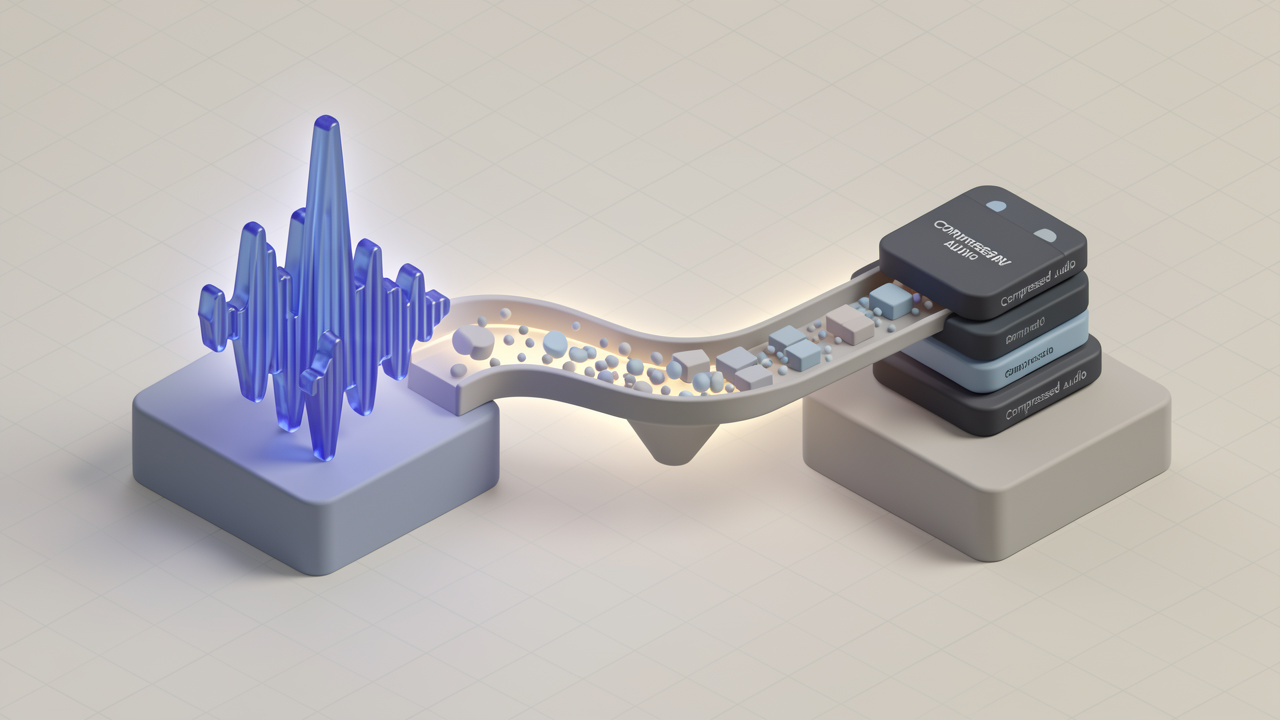
If you are searching for a way to convert MP3 to FLAC, what you likely want is one of two things. You either need a lossless format for archiving, editing, or compatibility, or you want to improve audio quality. The first goal is valid. The second needs a reality check. A FLAC file created from an MP3 does not restore lost audio data. It only repackages the already compressed sound into a lossless container.
That does not make the conversion pointless. In many workflows, converting an MP3 file into FLAC can still be useful. It can simplify media library management, standardize file formats for production, or prepare audio for systems that prefer FLAC. The key is knowing what changes, what does not, and when the conversion actually makes sense.
What It Means to Convert MP3 to FLAC
MP3 and FLAC are both audio formats, but they are designed for very different priorities. MP3 is a lossy format, which means it reduces file size by permanently removing parts of the audio data. That trade-off made MP3 the dominant format for portable music and online sharing for years.
FLAC, which stands for Free Lossless Audio Codec, works differently. It compresses audio without throwing data away. When a track is encoded directly from a CD-quality or studio-quality source into FLAC, playback can reproduce the full original digital audio data. That is why FLAC is popular for archiving, collecting, and high-fidelity listening.
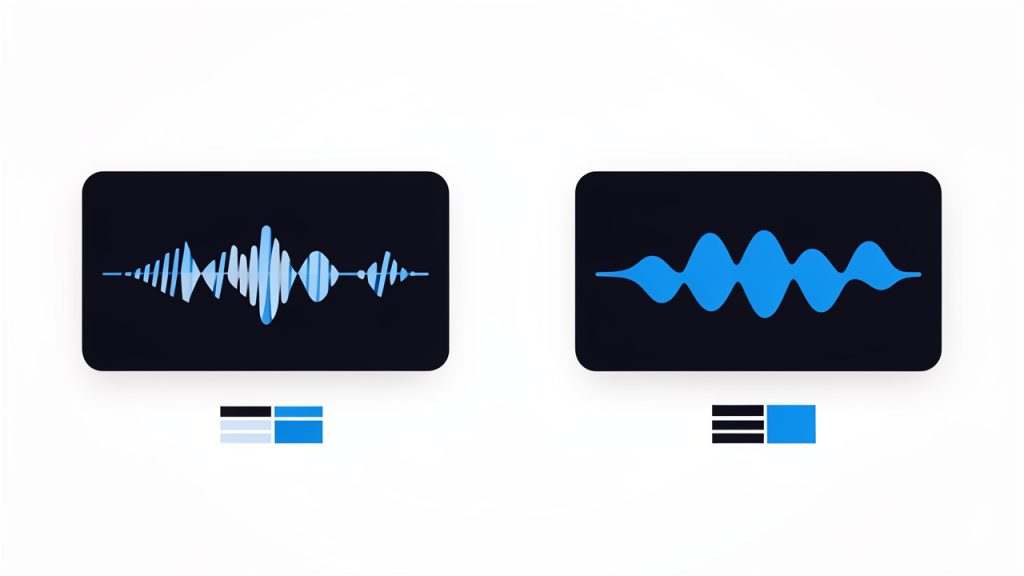
When you convert an MP3 file to FLAC, the process does not re-create the missing information that was removed during MP3 compression. Think of it like saving a low-resolution image as a PNG. PNG is lossless, but it cannot invent detail that was already discarded when the image was compressed. The new file may be in a technically superior format, but the underlying content remains limited by the original source.

Why People Search for MP3-to-FLAC Conversion
Many users are not really chasing better sound. They are trying to solve a practical problem. Some want all their audio in one format so their music library is easier to manage. Others need FLAC because their editing software, archive system, or audio workflow uses lossless files by default.
There is also a psychological factor. FLAC has a premium reputation, so people naturally assume moving an MP3 into FLAC will upgrade the listening experience. It will not improve the original fidelity, but it can still be useful for organization, compatibility, and preservation of the current state of the file.
The Most Important Myth to Clear Up
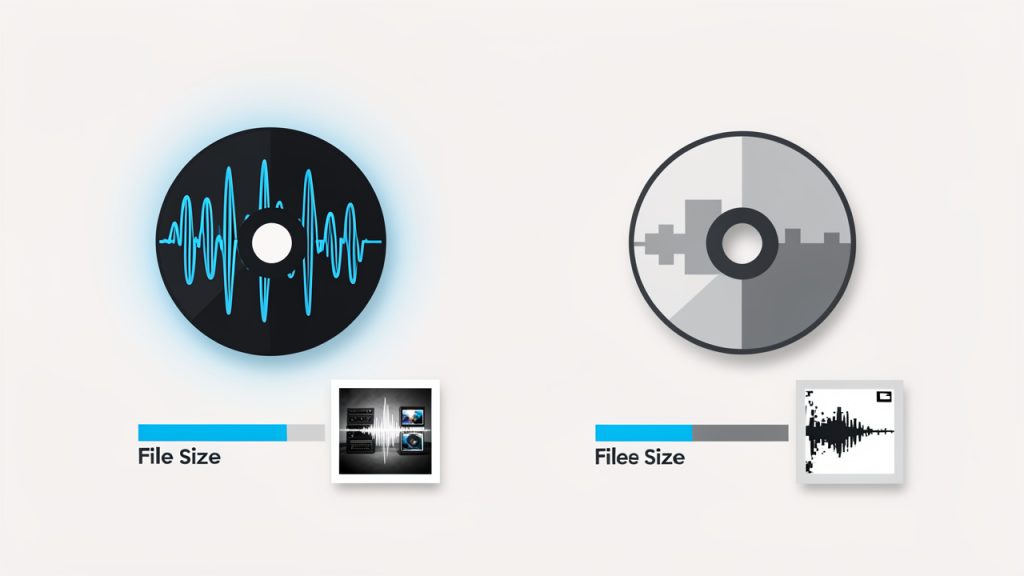
The biggest misconception is simple, converting MP3 to FLAC does not make the audio higher quality. It may make the file larger. It may make it easier to use in certain environments. It does not recover detail that was removed by lossy encoding.
This matters because many people waste storage space expecting an audible gain that never arrives. If your source is a 128 kbps MP3, converting it to FLAC will preserve that 128 kbps MP3 sound exactly as it exists now, but in a bigger file. If your goal is true quality improvement, the right move is to find a better original source, not just a different output format.
Key Aspects of Converting MP3 Files to FLAC
Understanding the trade-offs helps you make a smart decision instead of a cosmetic one. The format itself is only one part of the equation. The source file, your intended use, and your storage constraints matter just as much.
Audio Quality Stays the Same
This is the foundation of everything else. An MP3 file has already gone through lossy compression, which means data was removed during encoding, usually in ways designed to be less noticeable to human hearing. Once that data is gone, converting the file to FLAC cannot bring it back.
What FLAC can do is prevent further quality loss in future processing. If you keep exporting, editing, or transcoding the same MP3 into other lossy formats, quality can degrade over time. A FLAC created from that MP3 will not improve it, but it can serve as a more stable working copy for certain tasks going forward.
File Size Gets Much Larger
One of the most immediate effects of converting an MP3 to FLAC is storage growth. MP3 is efficient because it was built to be small. FLAC is efficient in a different way, preserving all available audio data from its source without additional loss.
If the source is an MP3, the resulting FLAC file often becomes much larger with no audible quality increase. For users with limited storage, especially on phones, portable players, or shared business systems, this trade-off can be hard to justify unless there is a specific workflow reason behind it.
Metadata and Tagging Can Matter
Another reason people convert audio files is metadata management. FLAC supports rich tagging, album art, and library-friendly organization. If you maintain a large collection of lectures, podcasts, voice recordings, or music, standardizing into FLAC may make your archive easier to search and maintain.
That said, metadata handling depends heavily on the conversion tool. Some online converters preserve tags well. Others strip them out or handle album art inconsistently. If your audio library is business-critical or carefully organized, always test with a few files before converting an entire collection.
Compatibility Depends on Your Devices and Software
FLAC has excellent support today, but not every platform treats it equally. Most desktop players, modern smartphones, media servers, and professional tools can handle it. Some older devices and lightweight apps still prefer MP3 because it is universally recognized and less demanding on storage and bandwidth.
For that reason, converting to FLAC should be driven by a real compatibility need, not by the assumption that FLAC is always the better practical format. In many everyday situations, MP3 remains the more convenient choice.
Editing and Production Workflows Benefit More Than Casual Listening
Where MP3 to FLAC conversion can make more sense is in editing, processing, and archival workflows. If you are cutting audio for a podcast, preparing spoken content, or importing files into a system where you want to avoid repeated lossy exports, using FLAC as the working format can help stabilize the process.
This benefit is modest if the original file is already an MP3, but it is still real. You are not increasing source quality, yet you may be reducing the risk of additional degradation in future steps. For freelancers, creators, and small teams handling lots of audio assets, that distinction is useful.
MP3 vs FLAC at a Glance
| Format | Compression Type | Typical File Size | Audio Quality Potential | Best Use Case |
|---|---|---|---|---|
| MP3 | Lossy | Small | Limited by removed data | Streaming, sharing, portable listening |
| FLAC | Lossless | Larger | Preserves full source quality | Archiving, editing, hi-fi libraries |
| MP3 converted to FLAC | Source remains lossy | Larger than MP3 | Same practical quality as original MP3 | Workflow standardization, compatibility, non-destructive storage of current state |
When Converting MP3 to FLAC Makes Sense
The answer is not always yes or no. It depends on your purpose.
If you are building a clean archive and want all files in a single lossless format, conversion can be reasonable. If you are preparing files for audio software that behaves better with FLAC, it can also make sense. If you are editing spoken audio and want to avoid repeated lossy re-exports, converting once and then working in FLAC may be a practical step.
If your only goal is better sound, converting from MP3 to FLAC is usually not worth it. You will use more storage without improving the actual listening experience. In that case, the better move is to locate the original CD rip, WAV master, or native FLAC release.
Use Cases Where It Helps
A freelancer editing recorded interviews may receive MP3 files from clients. Converting those files to FLAC before working on trims, leveling, and organization can keep the post-production workflow cleaner. The source quality is unchanged, but future processing does not need to happen inside another lossy container.
A small business might archive voice memos, training materials, or audio assets across teams. Standardizing on FLAC can improve consistency and reduce confusion across systems, especially if the archive is expected to be long-lived and regularly reused.
Cases Where It Does Not Help
A music listener hoping a 192 kbps MP3 will sound like a CD after conversion will be disappointed. The playback may be identical, but the file will be bigger.
The same applies when users batch-convert entire music libraries to FLAC without a clear reason. Unless there is a device, software, or archive requirement, this usually creates unnecessary storage overhead.
How to Get Started with Converting MP3 to FLAC
If you have a legitimate reason to convert audio from MP3 into FLAC, the process itself is straightforward. The bigger challenge is choosing the right tool and setting the right expectations before you begin.
Start by Defining Your Goal
Before you convert anything, ask what you are trying to achieve. If the answer is better sound quality, stop and reassess. Conversion alone will not deliver that. If the answer is format consistency, editing stability, or archive management, then you have a clearer use case.
This small decision saves time, storage, and frustration. It also helps you choose between a quick online converter and a more capable desktop tool.
Choose the Right Type of Tool
For occasional use, an online converter is often enough. It is fast, accessible, and convenient for users who do not want to install software. This works well for a few files, especially if they are non-sensitive and modest in size.
For larger batches, private recordings, or professional workflows, desktop software is usually the better choice. It tends to offer stronger metadata support, more reliable batch conversion, and fewer concerns about uploading files to third-party servers.
Basic Conversion Process
Most tools follow the same simple flow:
- Upload or import your MP3 file.
- Choose FLAC as the output format.
- Check metadata settings if tags matter to you.
- Run the conversion and save the new file.
After conversion, play the file back and compare it with the original. You should not expect a dramatic sonic difference. What you are checking for is that the file converted cleanly, retained usable tags, and works in the target app or device.
Pay Attention to Privacy and File Limits
If you use an online MP3-to-FLAC converter, keep privacy in mind. Audio files may contain sensitive interviews, customer calls, unreleased content, or internal business material. In those cases, uploading to a web tool may not be the best option.
You should also watch for file size limits, compression quirks, and automatic deletion policies. A free online tool can be ideal for quick jobs, but it is not always the right environment for high-volume or confidential work.
Best Practices for Better Results
A good conversion process starts before the first file is uploaded. If possible, always work from the best original source available. If you can get WAV or native FLAC instead of MP3, do that. It is the only real way to improve final audio quality.
If your source must remain MP3, treat FLAC conversion as a workflow choice, not an audio upgrade. Organize filenames clearly, preserve metadata where possible, and avoid repeated format changes without a reason. The fewer unnecessary steps in your pipeline, the cleaner your results will be.
It also helps to test with one or two representative files before running a large batch. This is especially important if your collection includes album art, unusual characters in filenames, long recordings, or mixed bitrate sources. A quick test can reveal compatibility issues before they become a bigger cleanup job.
Common Questions About MP3 and FLAC Conversion
Will a converted FLAC sound better than the original MP3?
No. A FLAC made from an MP3 will generally sound the same as that MP3, assuming the conversion is done properly. The FLAC format does not recover lost detail.
Is it ever worth converting MP3 to FLAC?
Yes, but mostly for workflow, archive, or compatibility reasons. It is rarely worth doing purely for listening quality.
Why is the FLAC file bigger?
Because FLAC stores audio without further loss. When it wraps an already lossy MP3 source, you keep the same practical audio quality but in a larger file structure.
Should I replace my whole MP3 library with FLAC files?
Usually no, unless you have a specific operational reason. For most personal libraries, this creates larger files without delivering better source quality.
Conclusion
Converting an MP3 to FLAC is useful in the right context, but it is not a magic quality boost. The original MP3 remains the limiting factor. What you gain is a lossless container for the audio as it currently exists, along with possible benefits in editing, archiving, and format standardization.
The smartest next step is to decide what you actually need. If you want better sound, look for a better source file. If you want a cleaner workflow or a consistent archive, converting from MP3 to FLAC can be a practical move. Use the format as a tool, not as a promise of restored fidelity.